Your Collection
Your collection items will appear here.

Visibility Emojis

Find Visibility custom emojis to use
on Discord, Twitch & Slack

.png 5.9K foggyheart_teal Emoji
.png 5.4K foggyheart_warm Emoji
.gif 4.7K Foto Emoji
.png 4.3K CameramanLike Emoji
.png 3.5K foggyheart_rainbow Emoji
.png 3.3K BlackOuttemporada3 Emoji
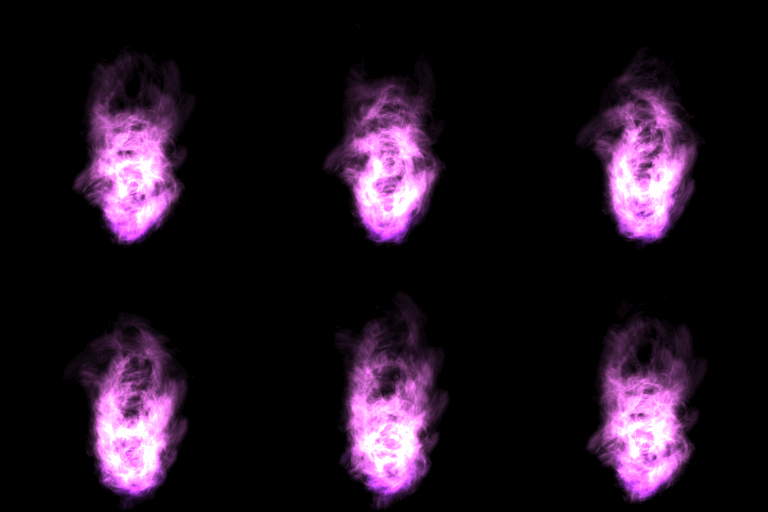
.gif 3.3K fogo Emoji
.png 3.3K StaffRoles Emoji
.png 2.8K CameramanDislike Emoji
.png 2.8K foggy_bruh Emoji
.gif 2.1K Fogo Emoji
.png 2.0K foggyheart_pride_trans Emoji
.gif 1.9K FOGOBLK Emoji
.png 1.8K LevelRoles Emoji
.png 1.7K CameramanCrying Emoji
.png 1.7K MemberRoles Emoji
.png 1.7K foggyheart_pride_bi Emoji
.png 1.7K BlacklistRoles Emoji
.gif 1.6K FireRTD Emoji
.png 1.6K OwnerRoles Emoji
.png 1.4K DemonCameraman Emoji
.png 1.2K EventRoles Emoji
.png 1.1K CameramanSerious Emoji
.png 1.1K Foguetekeys Emoji
.png 993 foggy_weather Emoji

Visibility Discord emojis

Browse Visibility emojis shared by the emoji.gg community. Open a favourite to preview it, check its details and download the image.

Building a set for your server? Save your favourites to a collection as you browse so you can find them again.

Explore Visibility stickers

Add emojis to your Discord server

  1. Choose your favourites. Open a emoji and download its image.
  2. Open Server Settings. In Discord, select your server and go to the Emoji section.
  3. Upload and name it. Select the downloaded image, give it a name and save it for your community to use.

Get the Android app

Emoji.gg is better on the app. Download it from the Google Play store.

Get Emoji.gg on Google Play