Your Collection
Your collection items will appear here.

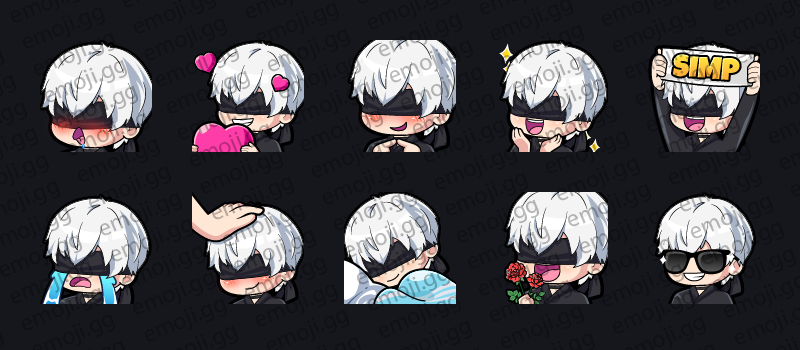
Ty Emojis

Find Ty custom emojis to use
on Discord, Twitch & Slack

.gif 242.1K SadCat Emoji
.png 239.3K pink_ribbon Emoji
.png 234.2K hellokittygun Emoji
.png 230.7K emo Emoji
.png 227.5K korilakkuma_love Emoji
.png 224.2K Valorant_Platinum_3 Emoji
.png 223.9K Valorant_Iron_3 Emoji
.png 223.0K Cat_Cry Emoji
.png 221.9K Valorant_Ascendant_3 Emoji
.png 218.1K hugg Emoji
.png 215.2K Valorant_Silver_3 Emoji
.png 213.8K Valorant_Bronze_3 Emoji
.gif 213.3K PanickedNo Emoji
.png 212.1K spongebob_smug Emoji
.png 208.6K Valorant_Diamond_3 Emoji
.png 207.5K Valorant_Gold_3 Emoji
.png 200.9K huh Emoji
.gif 193.9K Dance_HK Emoji
.png 193.9K blue_shock Emoji
.png 190.9K problem_solved Emoji
.gif 190.3K my_melody Emoji
.png 188.9K blue_cry Emoji
.png 186.4K Hide_The_Pain_Dream Emoji
.png 185.2K ban_hammer Emoji
.png 184.0K moyai_wahhhh Emoji

Ty Discord emojis

Browse Ty emojis shared by the emoji.gg community. Open a favourite to preview it, check its details and download the image.

Building a set for your server? Save your favourites to a collection as you browse so you can find them again.

Explore Ty stickers

Add emojis to your Discord server

  1. Choose your favourites. Open a emoji and download its image.
  2. Open Server Settings. In Discord, select your server and go to the Emoji section.
  3. Upload and name it. Select the downloaded image, give it a name and save it for your community to use.

Get the Android app

Emoji.gg is better on the app. Download it from the Google Play store.

Get Emoji.gg on Google Play