Your Collection
Your collection items will appear here.

Try Emojis

Find Try custom emojis to use
on Discord, Twitch & Slack

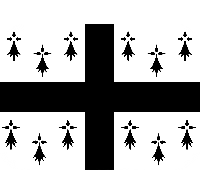
.png 7 kroazduwithhermines Emoji
.png 917 flag_earth Emoji
.png 4.1K ULTRA_RAGE Emoji
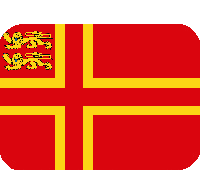
.png 24 normandy_alternative_flag Emoji
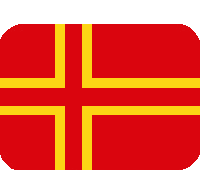
.png 186 normandy_cross_flag Emoji
.png 121 greenland_proposed_flag Emoji
.png 2.0K retrymyguy Emoji
.png 305 padania_flag Emoji
.png 236 mon_flag Emoji
.png 1.2K lezgistan_flag Emoji
.png 65.8K SaySwear Emoji
.png 102 pashtunistan_flag Emoji
.png 240 kingdom_of_hanover Emoji
.png 961 old_luxembourg_flag Emoji
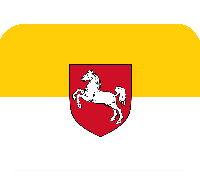
.png 11 province_of_hanover Emoji
.png 173 state_of_hanover Emoji
.png 219 low_saxony_state Emoji
.png 2 hanover_saxon_steed Emoji
.png 3 Pommerski Emoji
.png 723 aragon_flag Emoji
.png 16 aosta_valley_flag Emoji
.png 5 aosta_valley_proposed_flag Emoji
.png 1.7K korea_empire_flag Emoji
.png 160 cornwall_county_flag Emoji
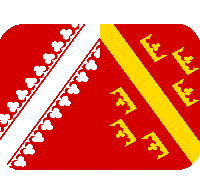
.png 30 alsace_region_flag Emoji

Try Discord emojis

Browse Try emojis shared by the emoji.gg community. Open a favourite to preview it, check its details and download the image.

Building a set for your server? Save your favourites to a collection as you browse so you can find them again.

Explore Try stickers

Add emojis to your Discord server

  1. Choose your favourites. Open a emoji and download its image.
  2. Open Server Settings. In Discord, select your server and go to the Emoji section.
  3. Upload and name it. Select the downloaded image, give it a name and save it for your community to use.

Get the Android app

Emoji.gg is better on the app. Download it from the Google Play store.

Get Emoji.gg on Google Play