Your Collection
Your collection items will appear here.

Text Message Emojis

Find Text Message custom emojis to use
on Discord, Twitch & Slack

.png 35.9K this Emoji
.png 4.2K yum Emoji
.png 7.5K SoTight Emoji
.png 25.9K Period Emoji
.png 3.4K valid Emoji
.png 40.0K Thats_Valid Emoji
.png 1.8K thisiscanon Emoji
.png 1.3K MainCharacter Emoji
.png 20.9K crashout Emoji
.png 750 err Emoji
.png 524 repeat Emoji
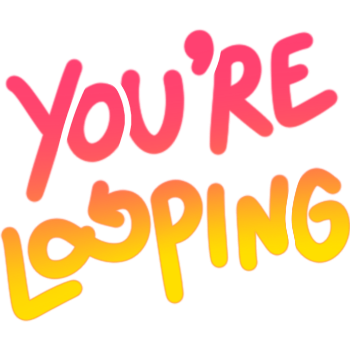
.png 107 Looping Emoji
.png 1.2K comms Emoji
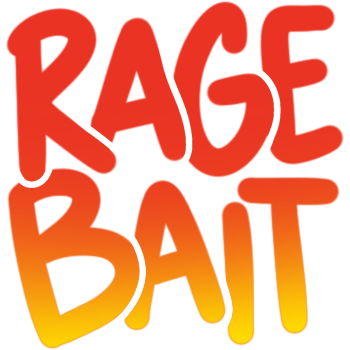
.png 41.1K ragebait Emoji
.png 378 brb Emoji
.png 339 Daydreambluetext Emoji
.png 1.2K Daydreamblacktext Emoji
.png 649 Youremydaydream Emoji
.png 410 Daydreamgreentext Emoji
.png 688 Daydreamlightbluetext Emoji
.png 1.9K Daydreamwhitetext Emoji
.png 54 Daydreamyellowtext Emoji
.png 296 Daydreamorangetext Emoji
.png 1.6K Daydreampurpletext Emoji
.png 2.3K Daydreampinktext Emoji

Text Message Discord emojis

Browse Text Message emojis shared by the emoji.gg community. Open a favourite to preview it, check its details and download the image.

Building a set for your server? Save your favourites to a collection as you browse so you can find them again.

Explore Text Message stickers

Add emojis to your Discord server

  1. Choose your favourites. Open a emoji and download its image.
  2. Open Server Settings. In Discord, select your server and go to the Emoji section.
  3. Upload and name it. Select the downloaded image, give it a name and save it for your community to use.

Get the Android app

Emoji.gg is better on the app. Download it from the Google Play store.

Get Emoji.gg on Google Play