Your Collection
Your collection items will appear here.

Text Message Emojis

Find Text Message custom emojis to use
on Discord, Twitch & Slack

.png 524 repeat Emoji
.png 107 Looping Emoji
.png 1.2K comms Emoji
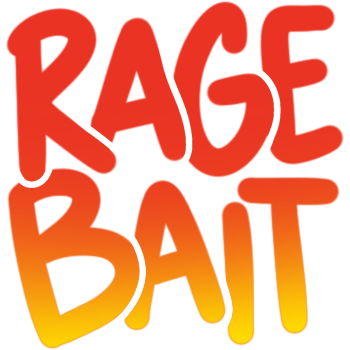
.png 41.1K ragebait Emoji
.png 6.2K joinmycrew Emoji
.png 6.0K ElloLuv Emoji
.png 6.5K EliteBallKnowledge Emoji
.png 5.1K eliteball Emoji
.png 13.1K OooLaLa Emoji
.png 3.9K kusa Emoji
.png 6.3K sus Emoji
.png 6.9K SUS Emoji
.png 2.9K wizard_green Emoji
.png 4.6K EasyW Emoji
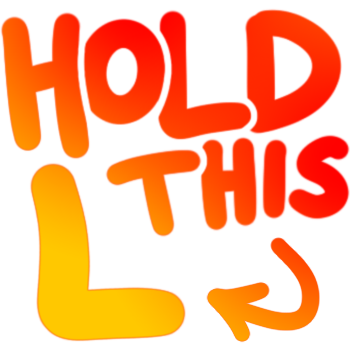
.png 45.8K HoldthisL Emoji
.png 3.5K bozo Emoji
.png 44.7K BOZO Emoji
.png 1.0K wizard Emoji
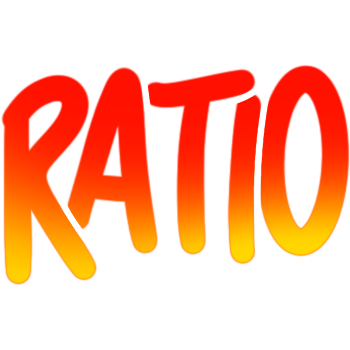
.png 644 ratio Emoji
.png 1.9K splash Emoji
.png 4.0K fair Emoji
.png 3.9K FairEnough Emoji
.png 6.4K L_Shredded Emoji
.png 3.9K WellThen_blue Emoji
.png 2.0K WellThen_Pink Emoji

Text Message Discord emojis

Browse Text Message emojis shared by the emoji.gg community. Open a favourite to preview it, check its details and download the image.

Building a set for your server? Save your favourites to a collection as you browse so you can find them again.

Explore Text Message stickers

Add emojis to your Discord server

  1. Choose your favourites. Open a emoji and download its image.
  2. Open Server Settings. In Discord, select your server and go to the Emoji section.
  3. Upload and name it. Select the downloaded image, give it a name and save it for your community to use.

Get the Android app

Emoji.gg is better on the app. Download it from the Google Play store.

Get Emoji.gg on Google Play