Your Collection
Your collection items will appear here.

Stove Emojis

Find Stove custom emojis to use
on Discord, Twitch & Slack

.png 16.2K Pepe_Panic Emoji
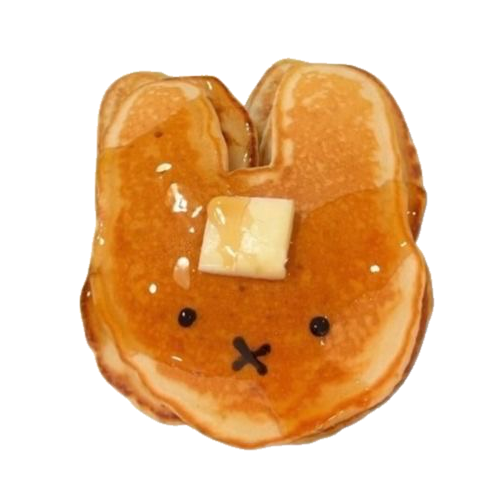
.png 15.3K miffypancake Emoji
.png 156 QuickStart Emoji
.png 1.6K Spiffo Emoji
.png 3.3K Panda_teddybear Emoji
.png 18.9K Red_Panda_Wave Emoji
.png 8.5K Red_Panda_Relax Emoji
.png 5.7K Red_Panda_Tummy Emoji
.png 8.8K Red_Panda_Content Emoji
.png 10.1K Red_Panda_Asleep Emoji
.png 8.0K Red_Panda_Bum Emoji
.png 11.8K Red_Panda_Angy Emoji
.png 9.4K Red_Panda_Oishii Emoji
.png 8.1K Red_Panda_Cute Emoji
.png 5.5K pansexual_sexuality Emoji
.gif 31.2K dancedance Emoji
.gif 4.8K love Emoji
.png 1.5K rainbowpanda Emoji
.png 1.2K Burger_Shwompy Emoji
.png 1.5K This_Is_Fine_Shwompy Emoji
.png 1.1K Screaming_Shwompy Emoji
.png 3.5K Ahh Emoji
.png 1.4K Pandacake Emoji
.png 22.1K SakuraPanda Emoji
.gif 4.8K KawaiiOK Emoji

Stove Discord emojis

Browse Stove emojis shared by the emoji.gg community. Open a favourite to preview it, check its details and download the image.

Building a set for your server? Save your favourites to a collection as you browse so you can find them again.

Explore Stove stickers

Add emojis to your Discord server

  1. Choose your favourites. Open a emoji and download its image.
  2. Open Server Settings. In Discord, select your server and go to the Emoji section.
  3. Upload and name it. Select the downloaded image, give it a name and save it for your community to use.

Get the Android app

Emoji.gg is better on the app. Download it from the Google Play store.

Get Emoji.gg on Google Play