Your Collection
Your collection items will appear here.

Short Clip Emojis

Find Short Clip custom emojis to use
on Discord, Twitch & Slack

.png 1.6K idk Emoji
.png 15 plsreaction Emoji
.png 88 ImPettyKarutaIdol Emoji
.gif 1.5K strawberryshortcakedessert Emoji
.png 10 HarryGingyReacts Emoji
.png 0 AlyciaPunkRose Emoji
.png 56 AliceCosplayerEmoji Emoji
.png 99 RoseTylerShortNess Emoji
.gif 80 strawberryshortcakeface Emoji
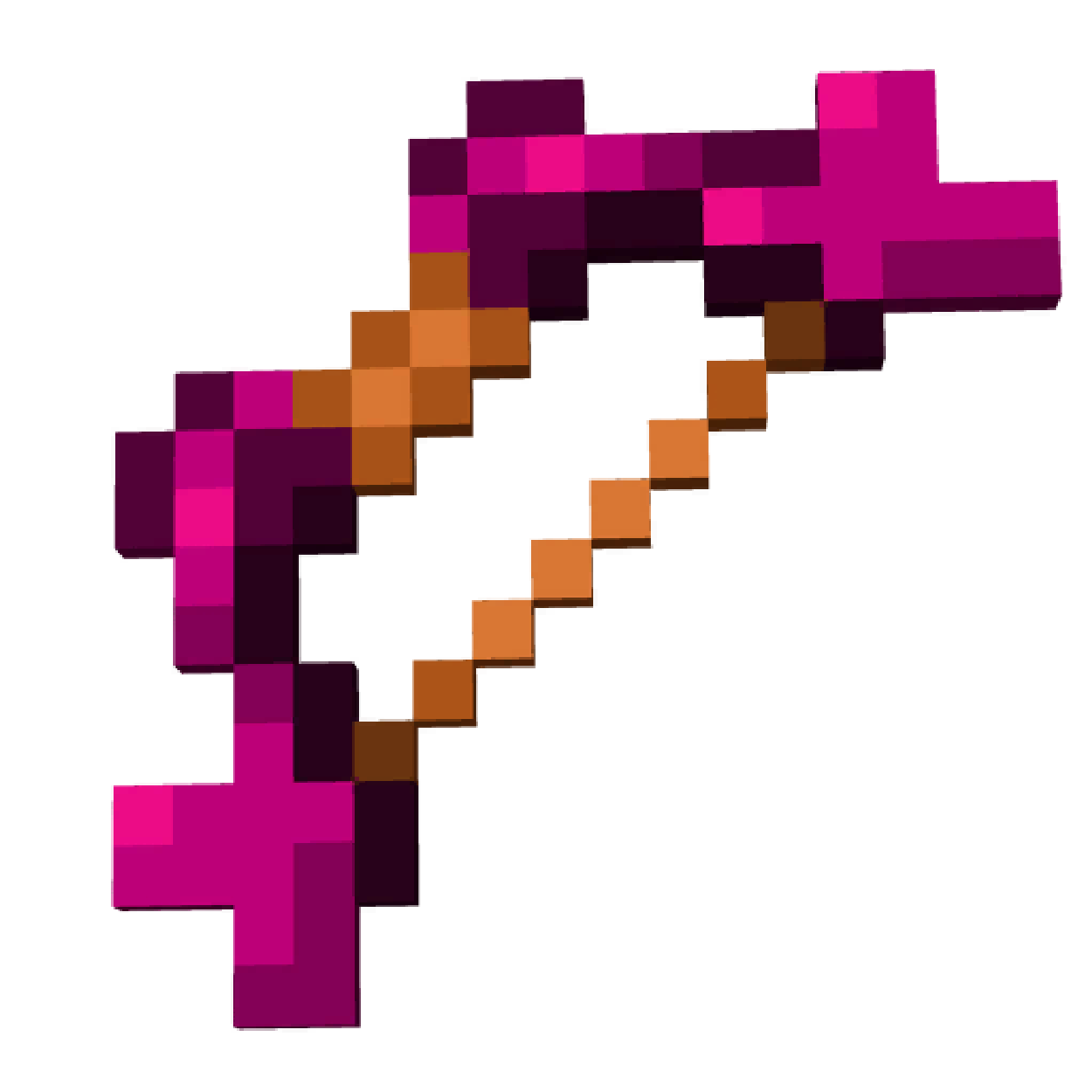
.png 0 ShortBow Emoji
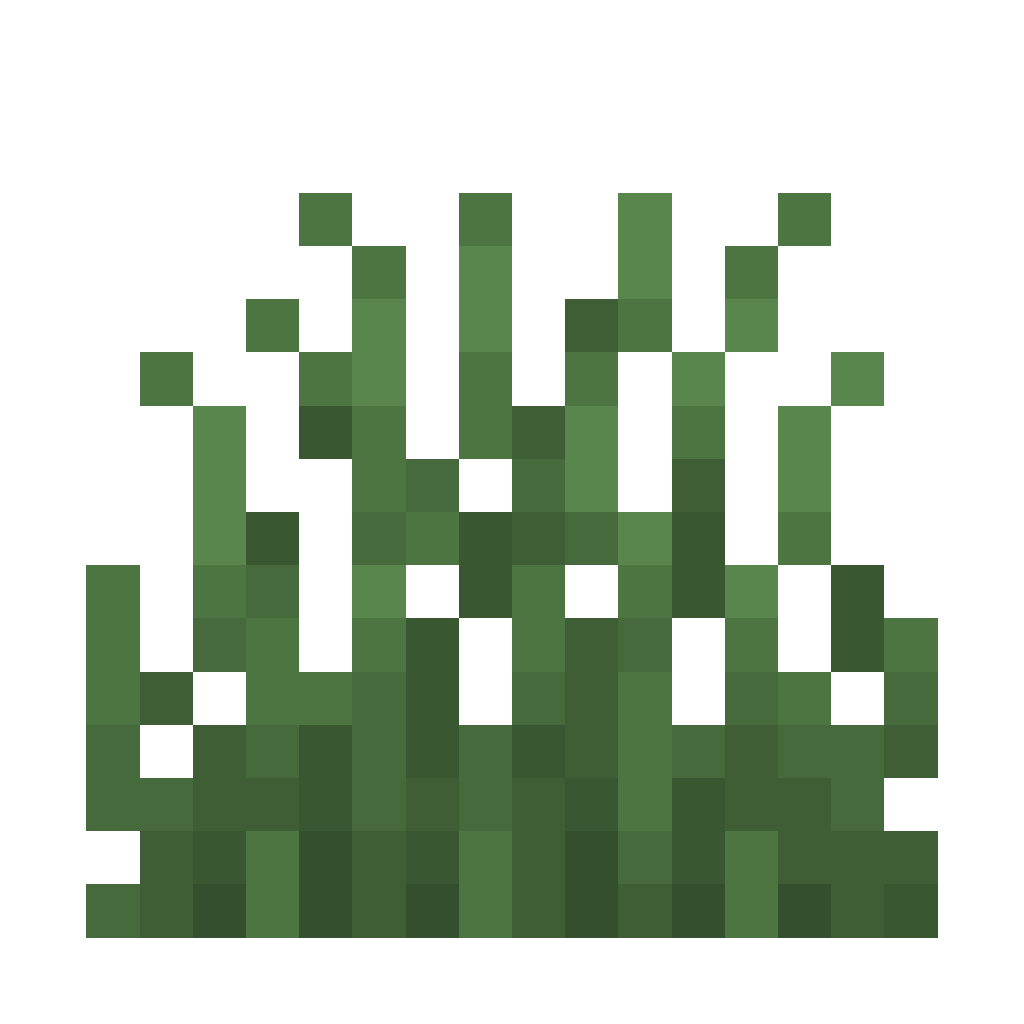
.png 0 ShortGrass Emoji
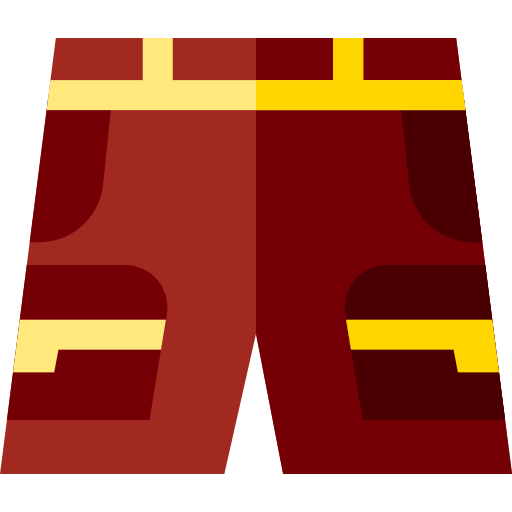
.png 0 shorts Emoji
.png 1.9K vinny_meat Emoji
.png 2.2K comically_large_spoon Emoji
.png 360 Vineshroom Emoji
.png 906 youngjobel Emoji
.png 2.5K sk_lobster Emoji
.png 6.4K moyai Emoji
.png 7.8K RatOf_TheDeep Emoji
.png 966 Vinegar Emoji
.png 17.1K sans_vineboom Emoji
.png 96.7K WOAH Emoji
.png 7.4K Minecraft_Glow_Berry_Vine Emoji
.png 2.4K aaja_sad Emoji
.png 9.7K Folder_ForestGreen Emoji

Short Clip Discord emojis

Browse Short Clip emojis shared by the emoji.gg community. Open a favourite to preview it, check its details and download the image.

Building a set for your server? Save your favourites to a collection as you browse so you can find them again.

Explore Short Clip stickers

Add emojis to your Discord server

  1. Choose your favourites. Open a emoji and download its image.
  2. Open Server Settings. In Discord, select your server and go to the Emoji section.
  3. Upload and name it. Select the downloaded image, give it a name and save it for your community to use.

Get the Android app

Emoji.gg is better on the app. Download it from the Google Play store.

Get Emoji.gg on Google Play