Your Collection
Your collection items will appear here.

Reusable Emojis

Find Reusable custom emojis to use
on Discord, Twitch & Slack
.png 93 strawberry Emoji
.png 16 fruits Emoji
.gif 8 strawberry Emoji
.png 0 100CupWithStraw Emoji
.png 0 100Strawberry Emoji
.png 0 SnowmanStrawberry Emoji
.gif 89 pinkstrawberrycake Emoji
.gif 416 pinkstrawberrybunny Emoji
.gif 57 rabbitsandberry Emoji
.gif 80 strawberryshortcakeface Emoji
.gif 168 berrybeary Emoji
.gif 466 strawberrychocolatecake Emoji
.gif 1.5K strawberryshortcakedessert Emoji
.png 4.3K hehe Emoji
.gif 4.0K strawberryburst Emoji
.gif 1.5K cutepixelartstrawberry Emoji
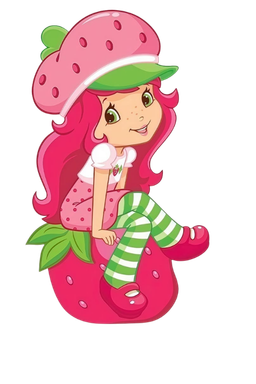
.png 1.5K StrawberryShortcake Emoji
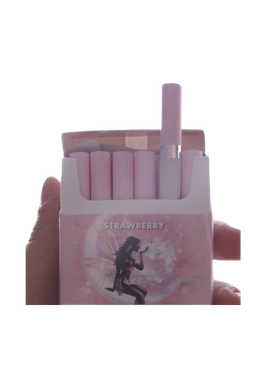
.png 1.4K PinkCigarettes Emoji
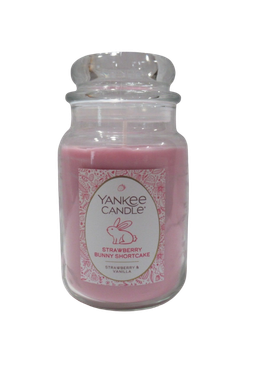
.png 477 Strawberrycandle Emoji
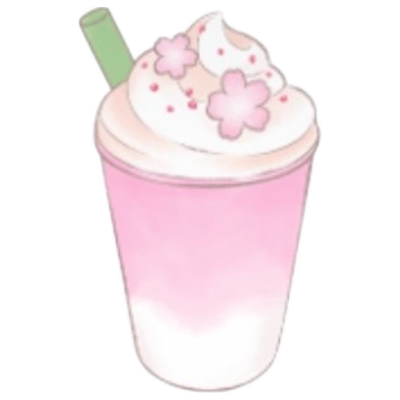
.png 1.0K SakuraMilkshake Emoji
.png 936 Strawberrycake Emoji
.png 835 MyMelodyMilk Emoji
.gif 8.2K kitty_hug_strawberry Emoji
.gif 5.5K strawberry Emoji
.png 5.9K strawbfrog Emoji

Reusable Discord emojis

Browse Reusable emojis shared by the emoji.gg community. Open a favourite to preview it, check its details and download the image.

Building a set for your server? Save your favourites to a collection as you browse so you can find them again.

Explore Reusable stickers

Add emojis to your Discord server

  1. Choose your favourites. Open a emoji and download its image.
  2. Open Server Settings. In Discord, select your server and go to the Emoji section.
  3. Upload and name it. Select the downloaded image, give it a name and save it for your community to use.

Get the Android app

Emoji.gg is better on the app. Download it from the Google Play store.

Get Emoji.gg on Google Play