Your Collection
Your collection items will appear here.

Returned Emojis

Find Returned custom emojis to use
on Discord, Twitch & Slack

.png 2.5K gtaselfie Emoji
.png 14.8K black_vintage_camera Emoji
.png 281 camcorder_2k Emoji
.png 5.0K Aro Emoji
.gif 6.3K Camera Emoji
.png 19.5K judgement Emoji
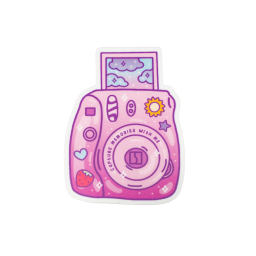
.png 8.5K PinkCamera Emoji
.png 128 BunnyPlosion Emoji
.png 437 Sunglasses Emoji
.gif 1.0K Camera_man Emoji
.gif 9.6K punching_camera Emoji
.png 1.0K action_camera Emoji
.png 8.3K camera Emoji
.png 1.8K CheckCams Emoji
.png 133 CAMERAMSN Emoji
.png 1.2K Pinkpolaroidcam Emoji
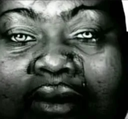
.png 131.9K BlackManCry Emoji
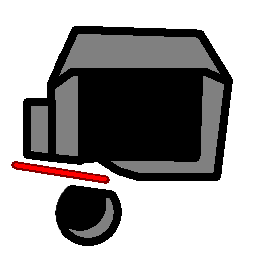
.png 712 CameramanRemove Emoji
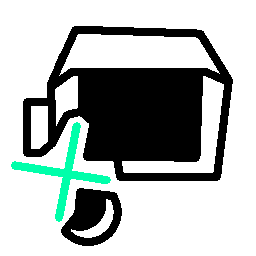
.png 974 CameramanAdd Emoji
.gif 25.7K CameraRedLogo Emoji
.png 1.1K CameramanSerious Emoji
.png 1.7K CameramanCrying Emoji
.png 2.8K CameramanDislike Emoji
.png 4.3K CameramanLike Emoji
.png 24.9K Konata_Peace Emoji

Returned Discord emojis

Browse Returned emojis shared by the emoji.gg community. Open a favourite to preview it, check its details and download the image.

Building a set for your server? Save your favourites to a collection as you browse so you can find them again.

Explore Returned stickers

Add emojis to your Discord server

  1. Choose your favourites. Open a emoji and download its image.
  2. Open Server Settings. In Discord, select your server and go to the Emoji section.
  3. Upload and name it. Select the downloaded image, give it a name and save it for your community to use.

Get the Android app

Emoji.gg is better on the app. Download it from the Google Play store.

Get Emoji.gg on Google Play