Your Collection
Your collection items will appear here.

Passage Emojis

Find Passage custom emojis to use
on Discord, Twitch & Slack

.gif 0 portalaperture1940badge Emoji
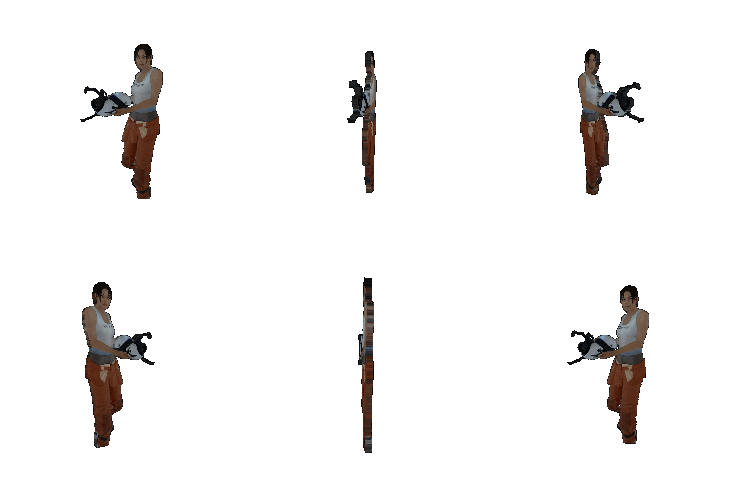
.gif 0 portalchell Emoji
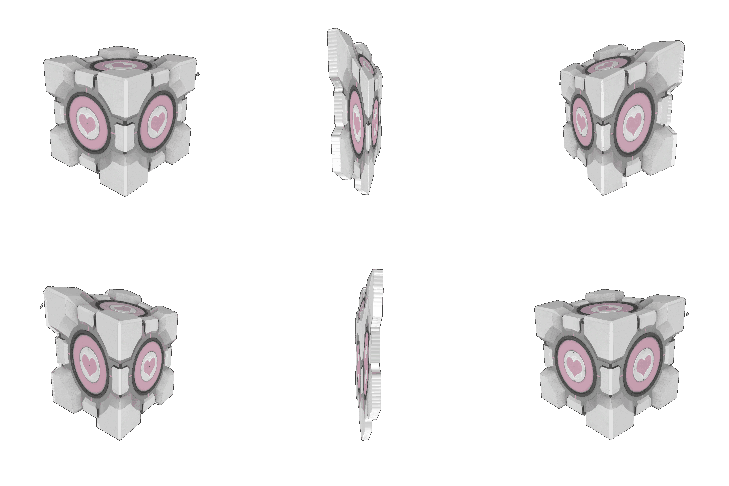
.gif 0 portalcompanioncubep1 Emoji
.gif 0 aperturelaboratories Emoji
.gif 0 aperturewordmark Emoji
.gif 0 aperturescience1940s Emoji
.gif 0 aperturewordmark Emoji
.gif 0 aperturelaboratories Emoji
.gif 8 companioncube Emoji
.gif 0 portalaperture1940badge Emoji
.gif 0 portalchell Emoji
.gif 0 portalcompanioncubep1 Emoji
.gif 0 portalchell Emoji
.gif 0 portalaperture1940badge Emoji
.gif 0 portalcompanioncubep1 Emoji
.gif 945 alta_portal_drone Emoji
.gif 2.1K alta_companion_drone Emoji
.gif 11.7K wheatlypatting Emoji
.gif 6.7K portal57290_7 Emoji
.gif 33.4K MinecraftNetherPortalBlock Emoji
.gif 1.2K portal_bird Emoji
.gif 4.0K Wheatley_Crab Emoji
.gif 34.1K Nether_Portal Emoji
.gif 8.3K portalorangeParrot Emoji
.gif 7.8K portalblueParrot Emoji

Passage Discord emojis

Browse Passage emojis shared by the emoji.gg community. Open a favourite to preview it, check its details and download the image.

Building a set for your server? Save your favourites to a collection as you browse so you can find them again.

Explore Passage stickers

Add emojis to your Discord server

  1. Choose your favourites. Open a emoji and download its image.
  2. Open Server Settings. In Discord, select your server and go to the Emoji section.
  3. Upload and name it. Select the downloaded image, give it a name and save it for your community to use.

Get the Android app

Emoji.gg is better on the app. Download it from the Google Play store.

Get Emoji.gg on Google Play