Your Collection
Your collection items will appear here.

Music Game Emojis

Find Music Game custom emojis to use
on Discord, Twitch & Slack
.gif 6.0K MCRLogo Emoji
.gif 901 FOBFranklin Emoji
.gif 1.4K McrKilljoys Emoji
.gif 2.7K McrDemolitionMan Emoji
.gif 3.3K DeftonesLogo Emoji
.gif 1.6K GreenDay Emoji
.gif 568 JoeTrohmanPixel Emoji
.gif 484 McrDangerDays Emoji
.gif 349 PatrickStumpPixel Emoji
.gif 8.6K CatVibe Emoji
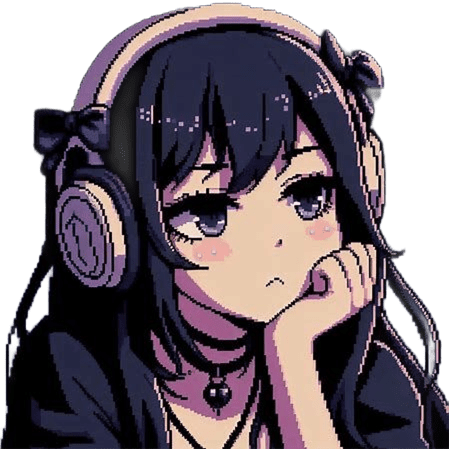
.png 23.9K listening_music Emoji
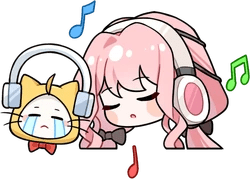
.gif 9.5K pink_music Emoji
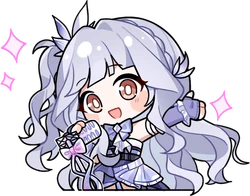
.png 5.5K NikkiPopstar Emoji
.png 1.5K NikkiMomoHeadphones Emoji
.png 20.3K neon_spotify_icon Emoji
.png 882 Joji_Mascot_Red Emoji
.png 6.7K neon_play_button Emoji
.png 168 Joji_Mascot_Pink Emoji
.png 2.8K Joji_Logo_Red Emoji
.png 1.3K Joji_Logo Emoji
.png 217 Joji_Mascot Emoji
.gif 6.2K headbang Emoji
.png 2.1K Music_IDS Emoji
.gif 1.7K MusicNote Emoji
.gif 7.9K Party_Dance Emoji

Music Game Discord emojis

Browse Music Game emojis shared by the emoji.gg community. Open a favourite to preview it, check its details and download the image.

Building a set for your server? Save your favourites to a collection as you browse so you can find them again.

Explore Music Game stickers

Add emojis to your Discord server

  1. Choose your favourites. Open a emoji and download its image.
  2. Open Server Settings. In Discord, select your server and go to the Emoji section.
  3. Upload and name it. Select the downloaded image, give it a name and save it for your community to use.

Get the Android app

Emoji.gg is better on the app. Download it from the Google Play store.

Get Emoji.gg on Google Play