Your Collection
Your collection items will appear here.

Lid Emojis

Find Lid custom emojis to use
on Discord, Twitch & Slack

.png 143.3K GhostCat Emoji
.gif 132.1K christmas_pug Emoji
.png 120.2K christmas_starecat Emoji
.png 111.8K BunnyDrool Emoji
.gif 80.1K christmas_popcat Emoji
.gif 75.1K PurpleVulpix Emoji
.gif 73.3K POGSLIDE Emoji
.png 65.1K twitterverified Emoji
.gif 62.2K RedCandycane Emoji
.gif 60.6K CinnaSanta Emoji
.png 57.8K Nerd Emoji
.gif 54.9K BearWizard Emoji
.png 54.3K AnimalCrossingGift Emoji
.png 48.8K validate_blue_purple Emoji
.gif 47.3K CinnaSnowman Emoji
.gif 46.2K HelloKittySanta Emoji
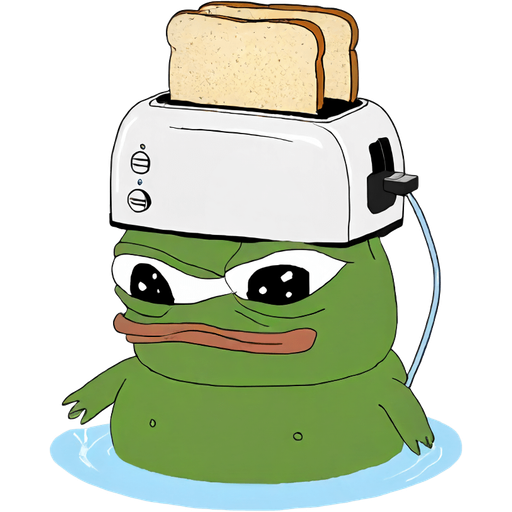
.png 46.1K PepeToasterBathtub Emoji
.png 45.9K frog_rope_sad Emoji
.gif 45.9K PaimonSanta Emoji
.gif 44.1K HelloKittyHeartDance Emoji
.gif 42.8K PepeChristmasJammies Emoji
.gif 42.2K PepeXmasClap Emoji
.gif 41.6K aniholidaylights Emoji
.png 41.2K GhostHeart Emoji
.png 41.2K PusheenPumpkin Emoji

Lid Discord emojis

Browse Lid emojis shared by the emoji.gg community. Open a favourite to preview it, check its details and download the image.

Building a set for your server? Save your favourites to a collection as you browse so you can find them again.

Explore Lid stickers

Add emojis to your Discord server

  1. Choose your favourites. Open a emoji and download its image.
  2. Open Server Settings. In Discord, select your server and go to the Emoji section.
  3. Upload and name it. Select the downloaded image, give it a name and save it for your community to use.

Get the Android app

Emoji.gg is better on the app. Download it from the Google Play store.

Get Emoji.gg on Google Play