Your Collection
Your collection items will appear here.

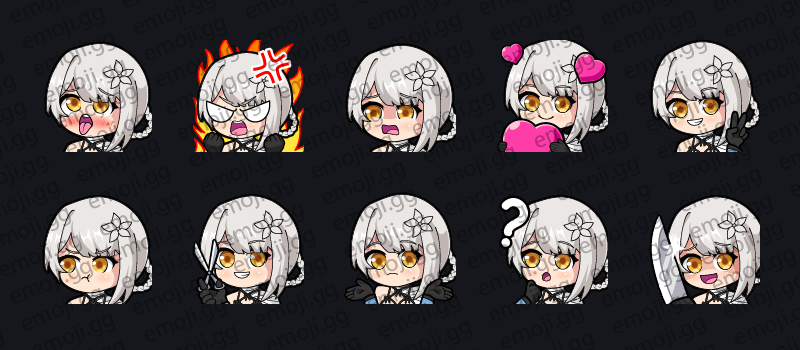
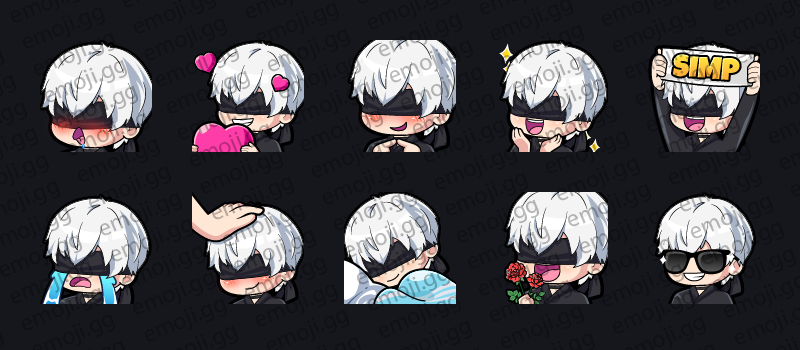
Lay Down Emojis

Find Lay Down custom emojis to use
on Discord, Twitch & Slack

.png 15.1K overwatch Emoji
.png 2.1K super_mario Emoji
.png 10.3K pumpkin Emoji
.png 4.6K hamburger Emoji
.png 2.6K google_drive Emoji
.png 5.0K check Emoji
.png 16.2K whatsapp Emoji
.png 28.4K Mastercard Emoji
.png 1.8K American_Express Emoji
.png 41.5K Visa Emoji
.png 19.1K pokeball Emoji
.png 5.5K harry_potter Emoji
.png 3.2K hp_slytherin Emoji
.png 17.6K manchester_united Emoji
.png 40.9K PriceTag_USD Emoji
.png 7.1K queen_crown Emoji
.png 641 deadpool Emoji
.png 5.2K star Emoji
.png 3.6K middlefinger Emoji
.png 7.4K hammer Emoji
.png 2.9K watermelon Emoji
.png 1.4K pig Emoji
.png 1.6K user Emoji
.png 9.3K python Emoji
.png 67.2K Paypal Emoji

Lay Down Discord emojis

Browse Lay Down emojis shared by the emoji.gg community. Open a favourite to preview it, check its details and download the image.

Building a set for your server? Save your favourites to a collection as you browse so you can find them again.

Explore Lay Down stickers

Add emojis to your Discord server

  1. Choose your favourites. Open a emoji and download its image.
  2. Open Server Settings. In Discord, select your server and go to the Emoji section.
  3. Upload and name it. Select the downloaded image, give it a name and save it for your community to use.

Get the Android app

Emoji.gg is better on the app. Download it from the Google Play store.

Get Emoji.gg on Google Play