Your Collection
Your collection items will appear here.

Lay Down Emojis

Find Lay Down custom emojis to use
on Discord, Twitch & Slack

.gif 10.5K Downarrow Emoji
.png 541 IvyProud Emoji
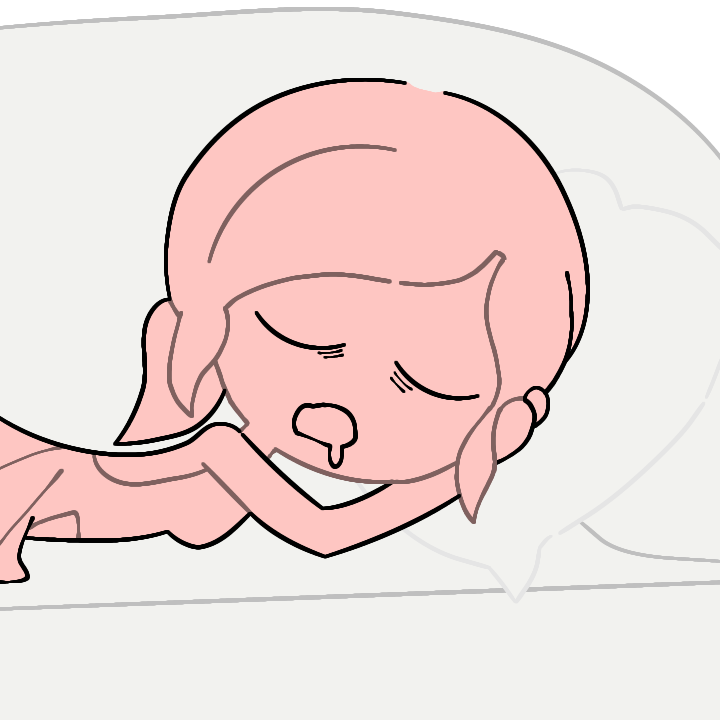
.png 831 TulipNap Emoji
.png 7.9K SmartLoser Emoji
.png 2.0K Susieboba Emoji
.gif 156 RsillyluRefusecall Emoji
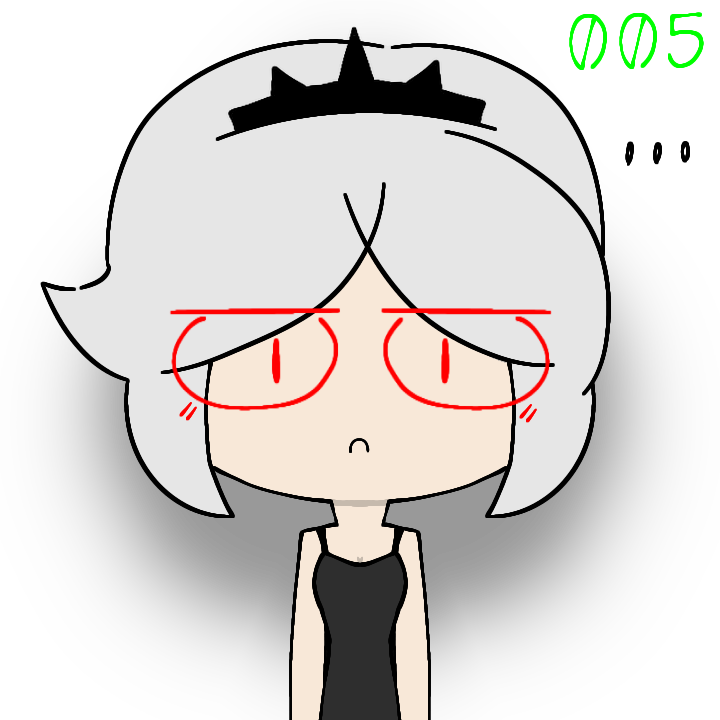
.png 505 SusieSilent Emoji
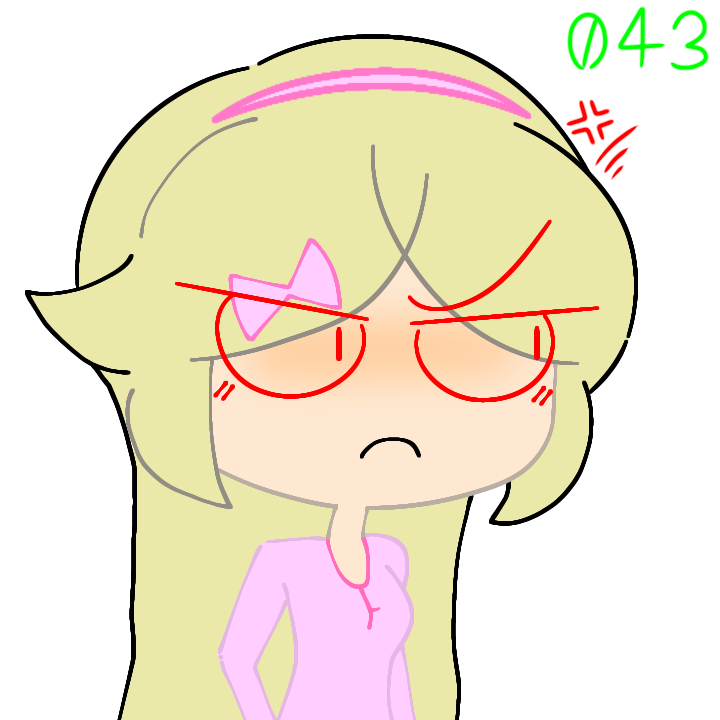
.png 817 SusieBlushAnnoyed Emoji
.png 8 RedcorpFight Emoji
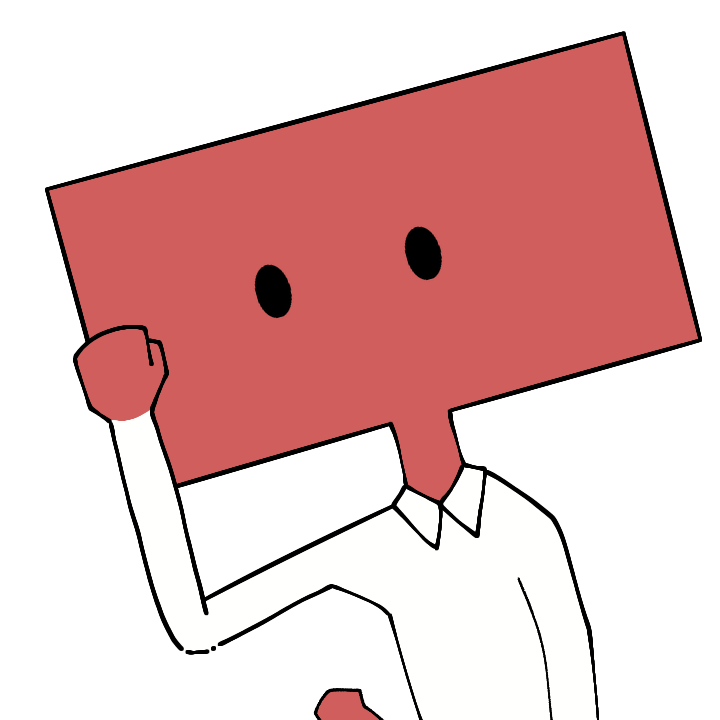
.png 394 RedcorpbossHoldFiles Emoji
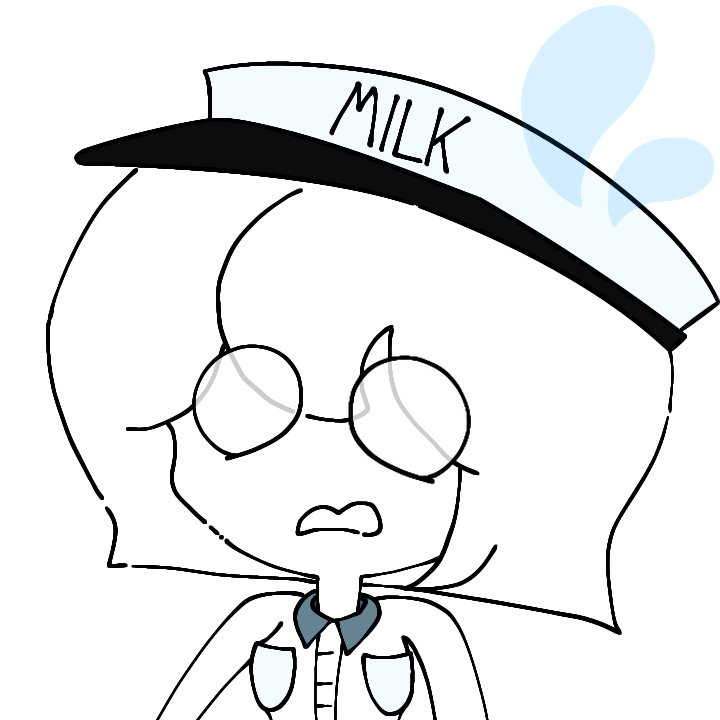
.png 183 MilkwomanShocked Emoji
.png 3.0K downy Emoji
.png 2.4K Download Emoji
.png 3.8K ScribbleDownvote Emoji
.png 6.2K RedDownvote Emoji
.gif 49.1K Nobara_excited Emoji
.gif 25.7K CameraRedLogo Emoji
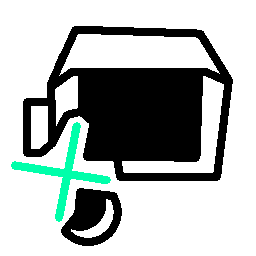
.png 985 CameramanAdd Emoji
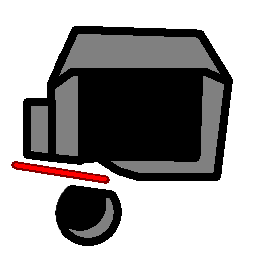
.png 721 CameramanRemove Emoji
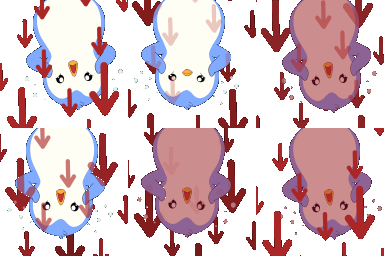
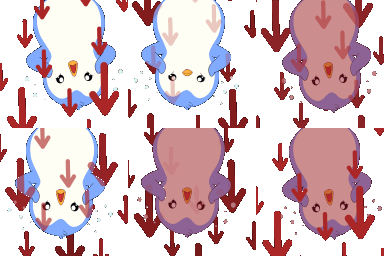
.gif 1.8K down_pengu Emoji
.gif 7 down_pengu Emoji
.gif 10.7K red_rose Emoji
.gif 12.4K watchingmovie Emoji
.gif 26.2K massage Emoji
.gif 15.8K haha Emoji

Lay Down Discord emojis

Browse Lay Down emojis shared by the emoji.gg community. Open a favourite to preview it, check its details and download the image.

Building a set for your server? Save your favourites to a collection as you browse so you can find them again.

Explore Lay Down stickers

Add emojis to your Discord server

  1. Choose your favourites. Open a emoji and download its image.
  2. Open Server Settings. In Discord, select your server and go to the Emoji section.
  3. Upload and name it. Select the downloaded image, give it a name and save it for your community to use.

Get the Android app

Emoji.gg is better on the app. Download it from the Google Play store.

Get Emoji.gg on Google Play