Your Collection
Your collection items will appear here.

Granted Emojis

Find Granted custom emojis to use
on Discord, Twitch & Slack

.png 483 PorungaOk Emoji
.png 598 Melodie_PFP2_BrawlStars Emoji
.png 776 Mortis1_PFP3_BrawlStars Emoji
.png 478 Kenji1_PFP3_BrawlStars Emoji
.png 289 granted Emoji
.png 130 BuzzLightyear_PFP3_Icon Emoji
.png 2.7K Granted_Access Emoji
.png 15 Warriorbadge Emoji
.png 172 Bloxxerbadge Emoji
.png 78 BlissfulNightmare Emoji
.png 793 ImmortalLegacy Emoji
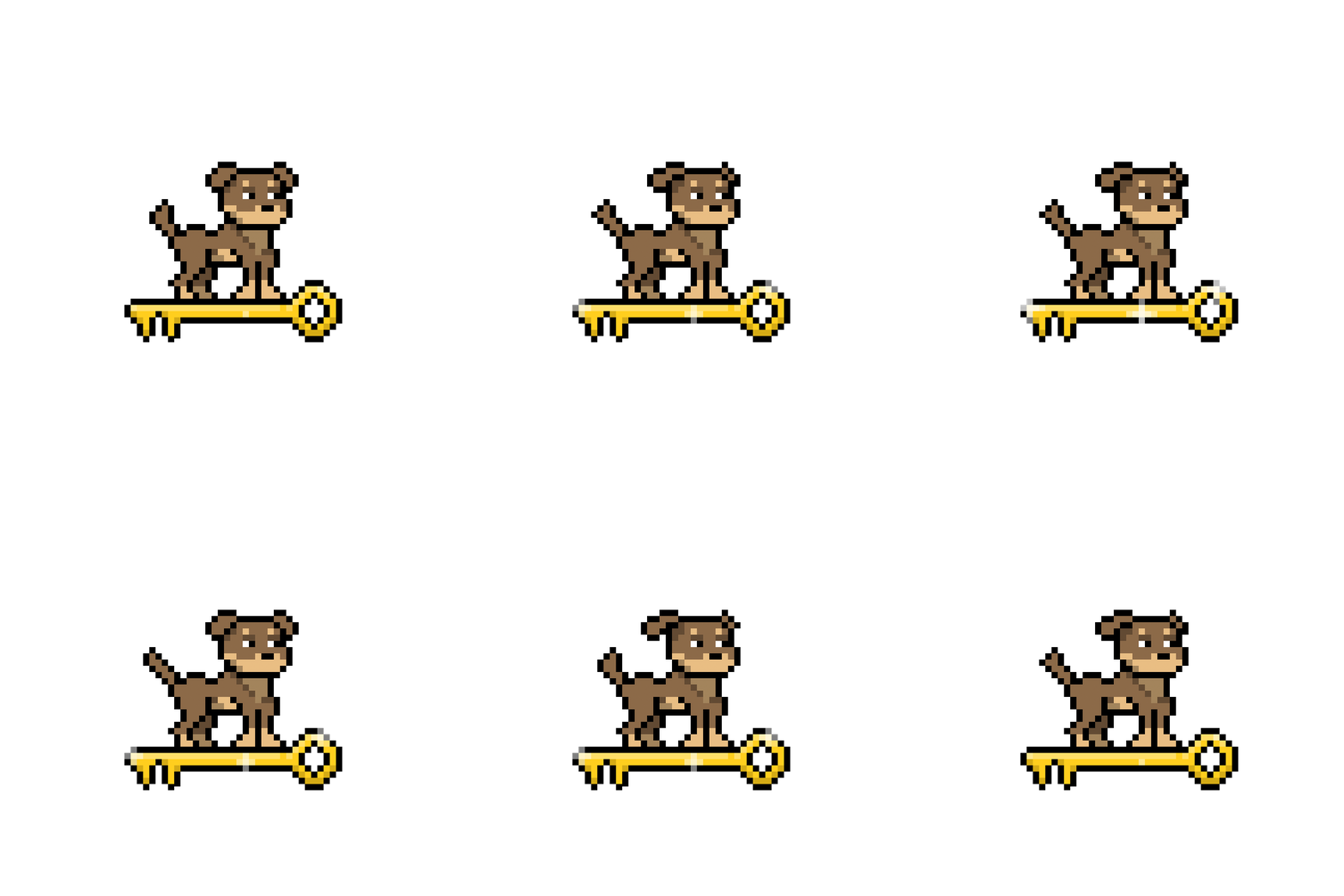
.gif 701 doginalkey Emoji
.png 366 morgzpog Emoji
.png 1.9K Megumin Emoji
.png 4.5K No_spam Emoji
.png 4.4K Cross Emoji
.gif 35.4K amogus Emoji
.png 23.4K discord_nitro_emoji Emoji
.png 54.6K hellokittysad Emoji
.png 3.4K no_slides Emoji
.png 8.7K mandynerd Emoji
.gif 6.9K 1984 Emoji
.png 12.4K No_garlic_allowed Emoji
.png 4.8K purple_hair_girl_8 Emoji
.png 649 CrownWales Emoji

Granted Discord emojis

Browse Granted emojis shared by the emoji.gg community. Open a favourite to preview it, check its details and download the image.

Building a set for your server? Save your favourites to a collection as you browse so you can find them again.

Explore Granted stickers

Add emojis to your Discord server

  1. Choose your favourites. Open a emoji and download its image.
  2. Open Server Settings. In Discord, select your server and go to the Emoji section.
  3. Upload and name it. Select the downloaded image, give it a name and save it for your community to use.

Get the Android app

Emoji.gg is better on the app. Download it from the Google Play store.

Get Emoji.gg on Google Play