Your Collection
Your collection items will appear here.

Gamecompany Emojis

Find Gamecompany custom emojis to use
on Discord, Twitch & Slack
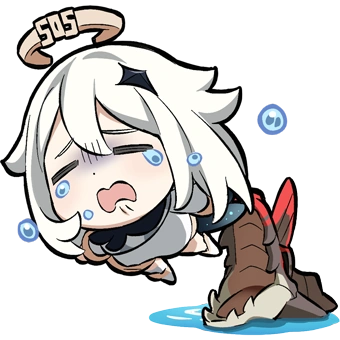
.png 5.3K help_me Emoji
.png 8.1K too_easy Emoji
.png 2.3K lets_scoot Emoji
.png 5.2K lingsha1 Emoji
.png 1.1K Raiden_Christmas Emoji
.png 5.9K kafkapeek Emoji
.png 6.0K kafkalove Emoji
.png 30.9K mihoyo_pizza Emoji
.png 7.8K Honkai_Star_Rail Emoji
.png 37.2K VentiHappy Emoji
.png 32.0K QiqiShrug Emoji
.png 126.6K VentiCool Emoji
.png 45.7K PaimonOoo2 Emoji
.png 24.5K PaimonCry Emoji
.png 16.2K PaimonOoo Emoji
.gif 13.9K PaimonArrive Emoji
.png 20.0K PaimonAYAYA Emoji
.png 87.7K PaimonThink Emoji
.png 47.2K LumineThink Emoji
.png 34.1K KleeWow Emoji
.gif 128.0K KokomiSip Emoji
.gif 48.2K GanyuRoll Emoji
.gif 3.7K AmberRotate Emoji
.png 15.6K DionaPat Emoji
.gif 28.8K KokomiSpin Emoji

Gamecompany Discord emojis

Browse Gamecompany emojis shared by the emoji.gg community. Open a favourite to preview it, check its details and download the image.

Building a set for your server? Save your favourites to a collection as you browse so you can find them again.

Explore Gamecompany stickers

Add emojis to your Discord server

  1. Choose your favourites. Open a emoji and download its image.
  2. Open Server Settings. In Discord, select your server and go to the Emoji section.
  3. Upload and name it. Select the downloaded image, give it a name and save it for your community to use.

Get the Android app

Emoji.gg is better on the app. Download it from the Google Play store.

Get Emoji.gg on Google Play