Your Collection
Your collection items will appear here.

Do Emojis

Find Do custom emojis to use
on Discord, Twitch & Slack
.gif 0 wailmer Emoji
.gif 0 wailord Emoji
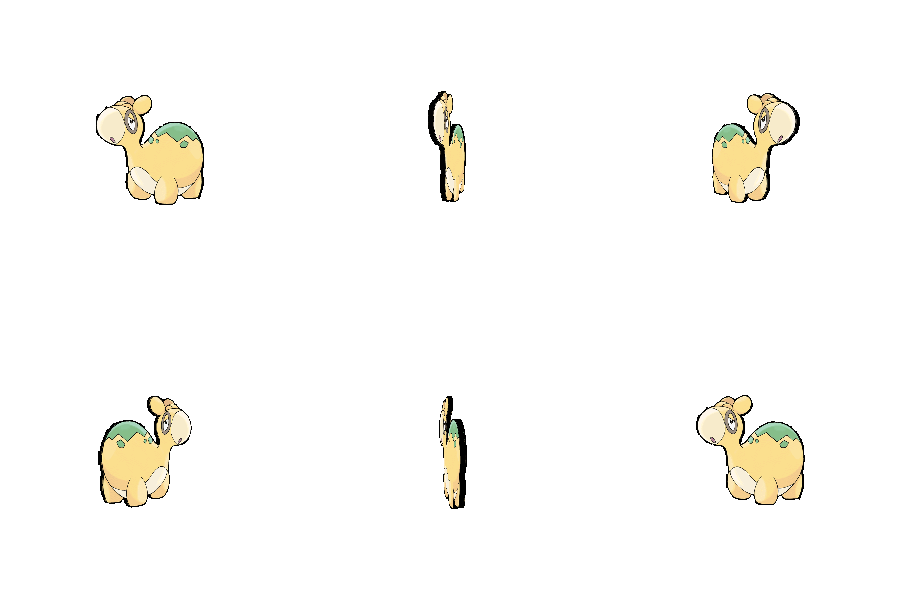
.gif 15 numel Emoji
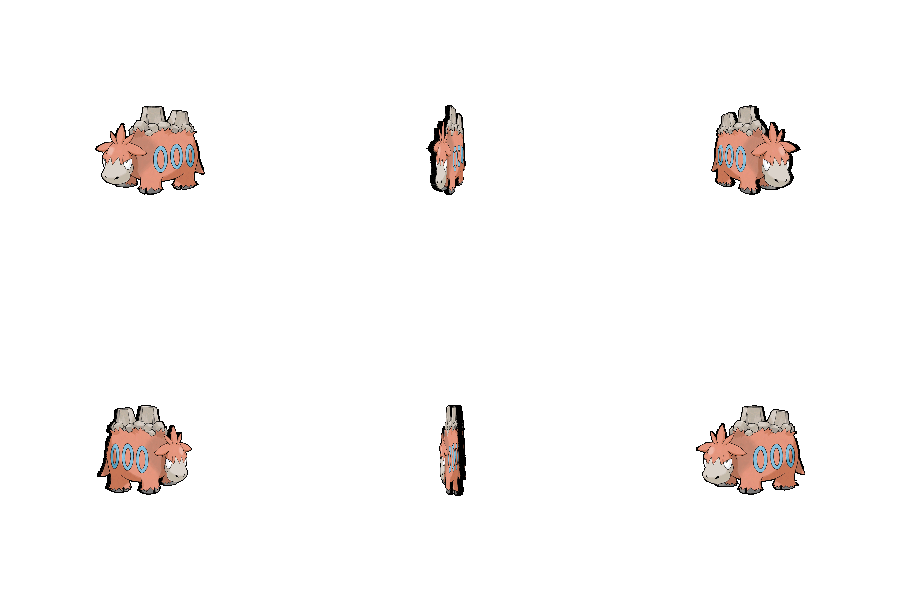
.gif 0 camerupt Emoji
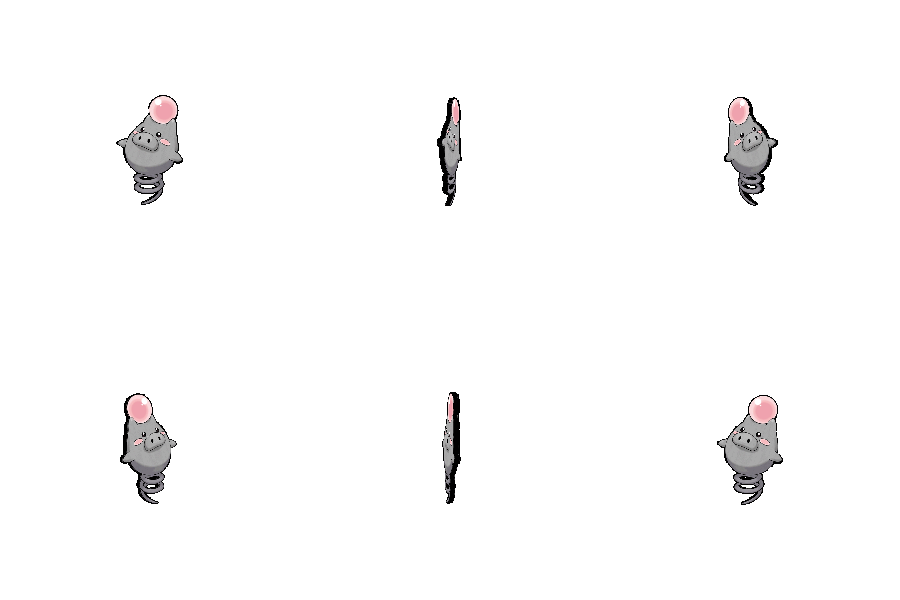
.gif 13 spoink Emoji
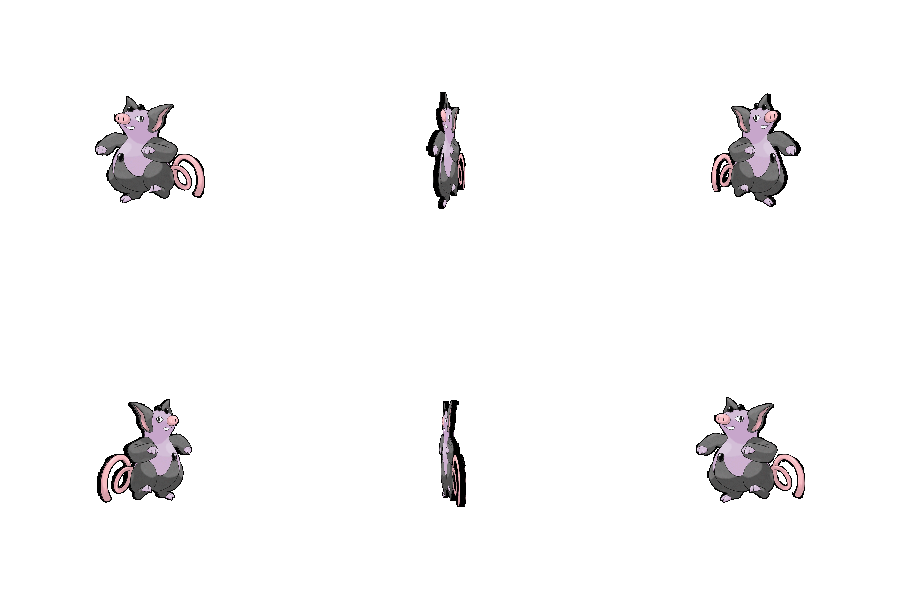
.gif 0 grumpig Emoji
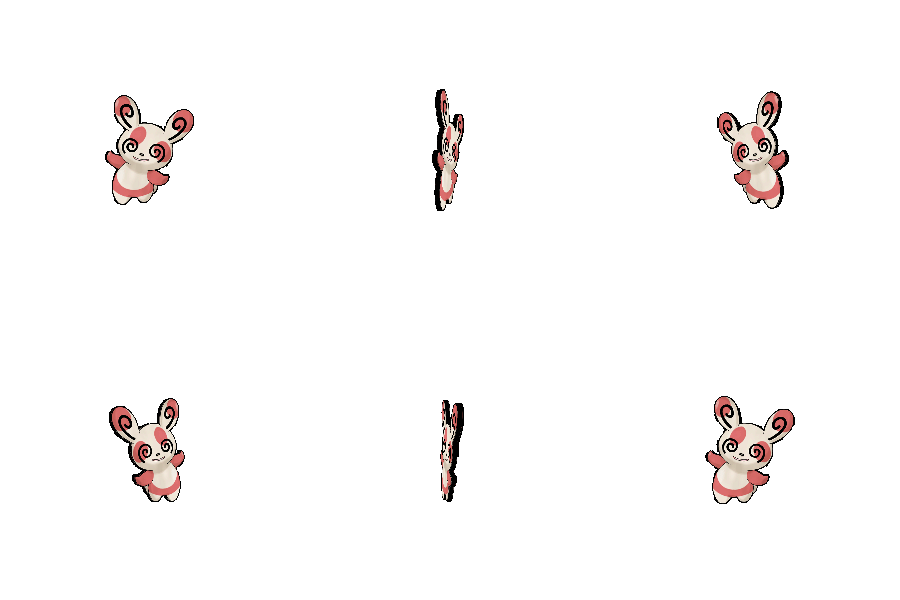
.gif 0 spinda Emoji
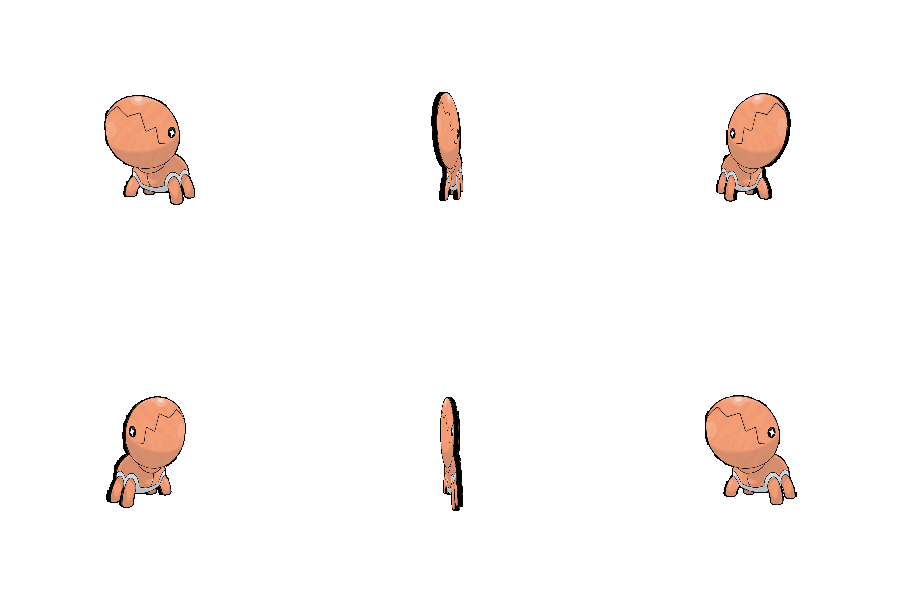
.gif 0 trapinch Emoji
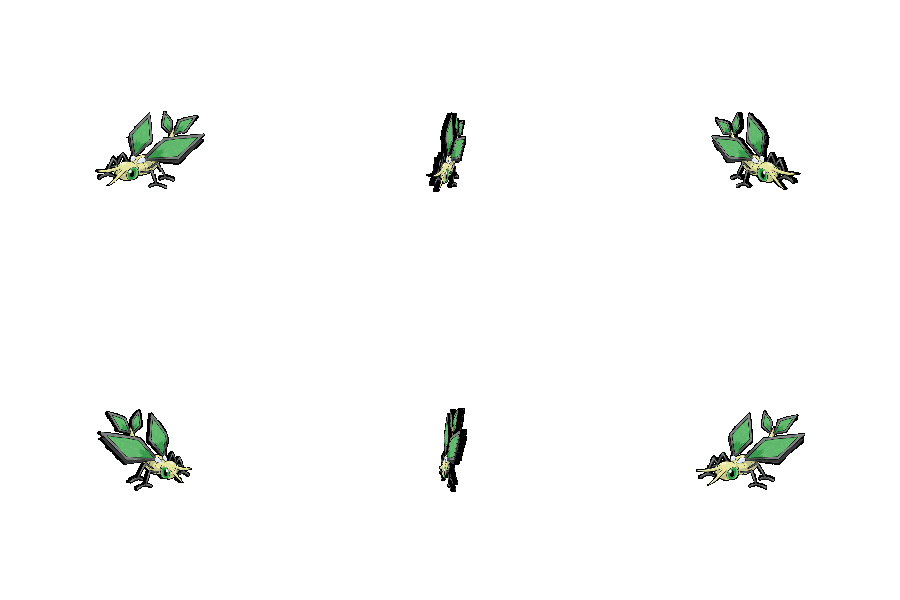
.gif 0 vibrava Emoji
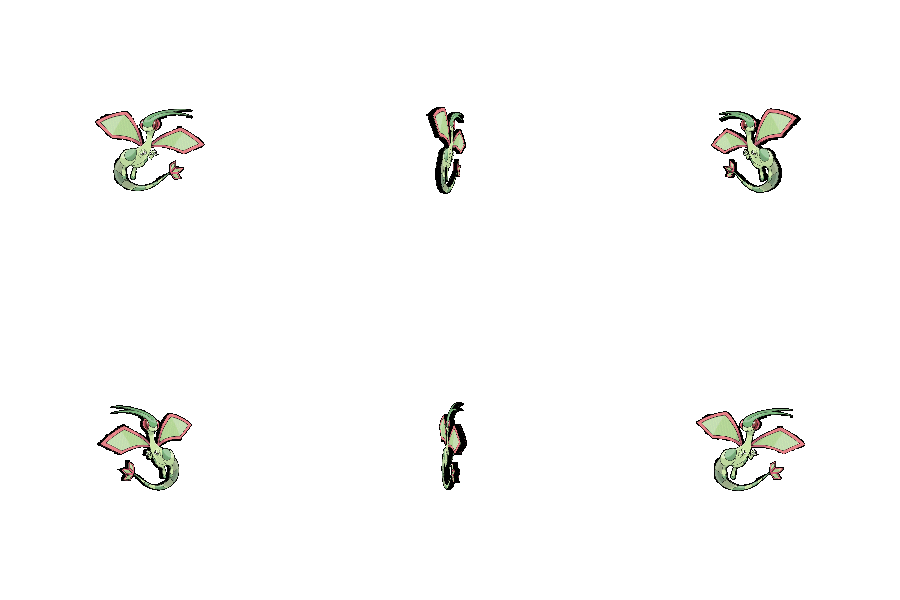
.gif 0 flygon Emoji
.gif 0 cacnea Emoji
.gif 0 cacturne Emoji
.gif 15 swablu Emoji
.gif 0 altaria Emoji
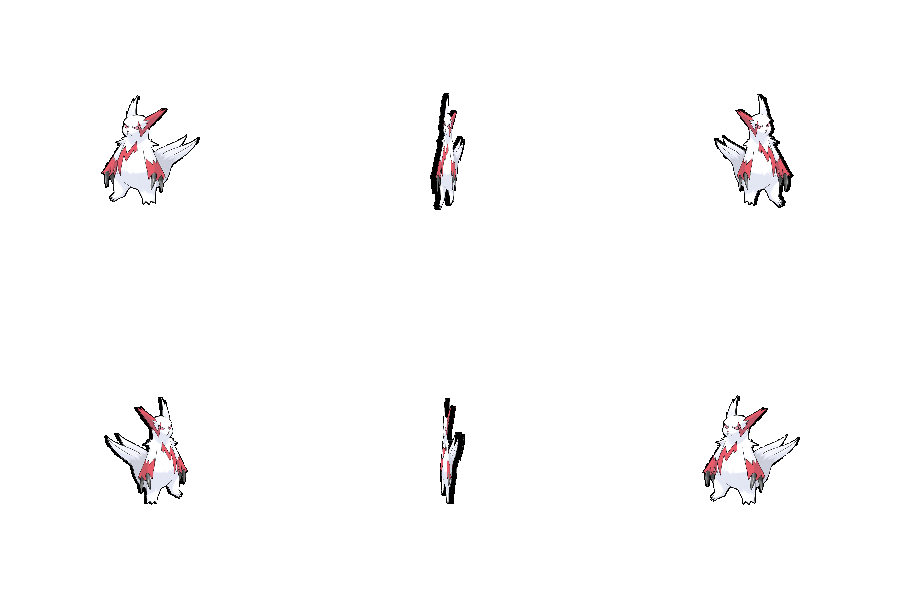
.gif 0 zangoose Emoji
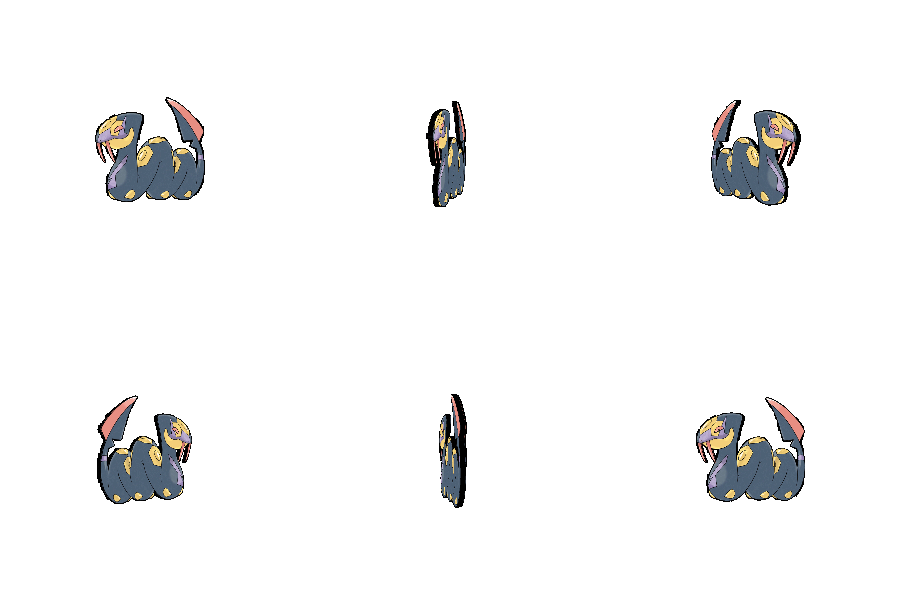
.gif 0 seviper Emoji
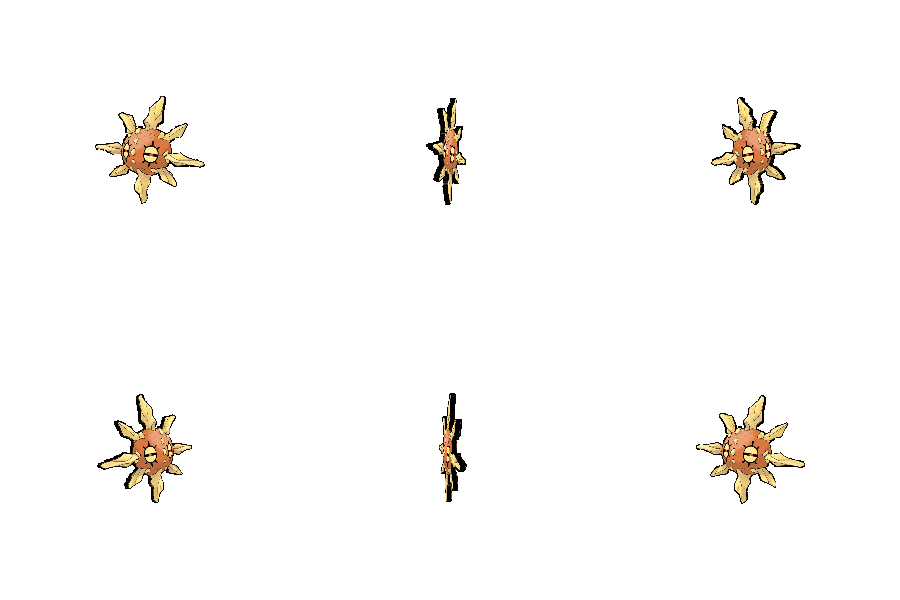
.gif 0 solrock Emoji
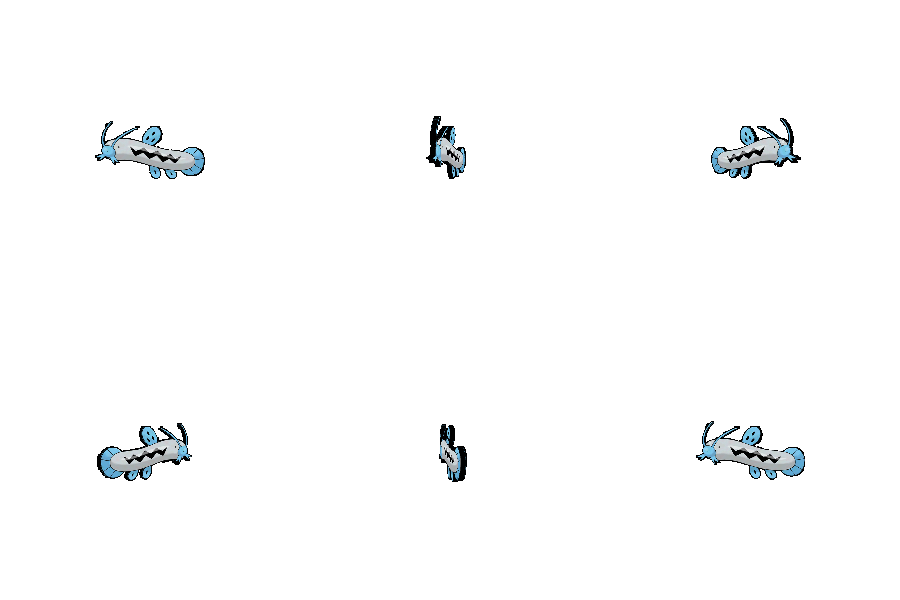
.gif 0 barboach Emoji
.gif 0 whiscash Emoji
.gif 18 corphish Emoji
.gif 0 baltoy Emoji
.gif 0 claydol Emoji
.gif 0 lileep Emoji
.gif 0 cradily Emoji
.gif 13 anorith Emoji

Do Discord emojis

Browse Do emojis shared by the emoji.gg community. Open a favourite to preview it, check its details and download the image.

Building a set for your server? Save your favourites to a collection as you browse so you can find them again.

Explore Do stickers

Add emojis to your Discord server

  1. Choose your favourites. Open a emoji and download its image.
  2. Open Server Settings. In Discord, select your server and go to the Emoji section.
  3. Upload and name it. Select the downloaded image, give it a name and save it for your community to use.

Get the Android app

Emoji.gg is better on the app. Download it from the Google Play store.

Get Emoji.gg on Google Play