Your Collection
Your collection items will appear here.

Do Emojis

Find Do custom emojis to use
on Discord, Twitch & Slack
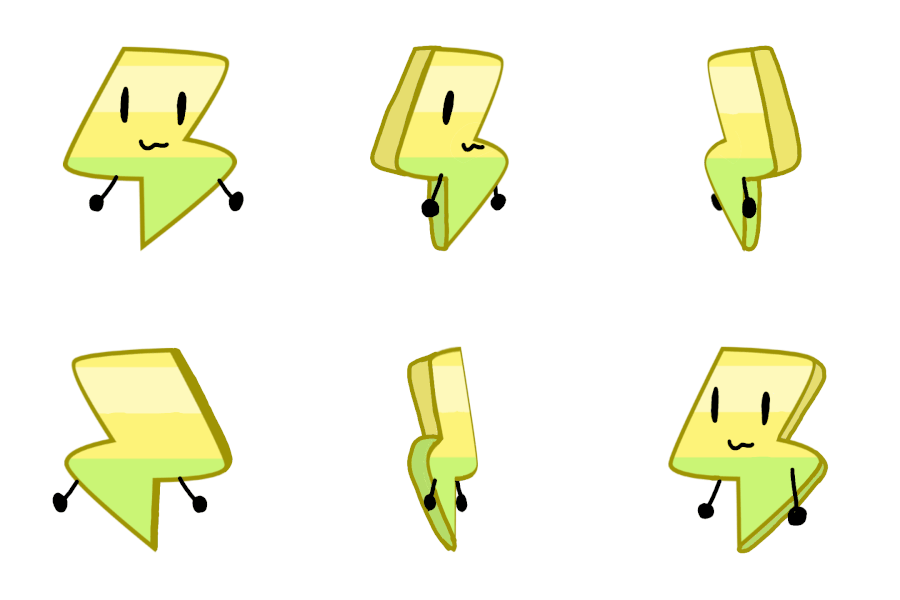
.gif 10 lightydoesthespin Emoji
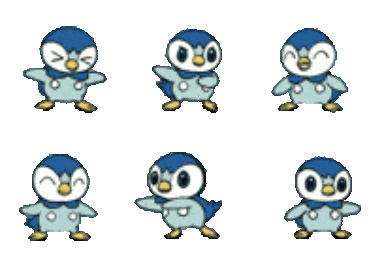
.gif 537 PiplupStepDance Emoji
.gif 141 pinkbutterflycrown Emoji
.gif 54 divablinking Emoji
.gif 65 pinkbunnywithcarrot Emoji
.gif 350 reddoodlehearts Emoji
.gif 212 heartmusicwings Emoji
.gif 467 pinkscribblehearts Emoji
.gif 268 pinkdoodleheartbeat Emoji
.gif 218 orangekittyheart Emoji
.gif 1.0K DogSad Emoji
.gif 187 Over_It Emoji
.gif 433 charlotte_cute Emoji
.gif 67 mexendocelular Emoji
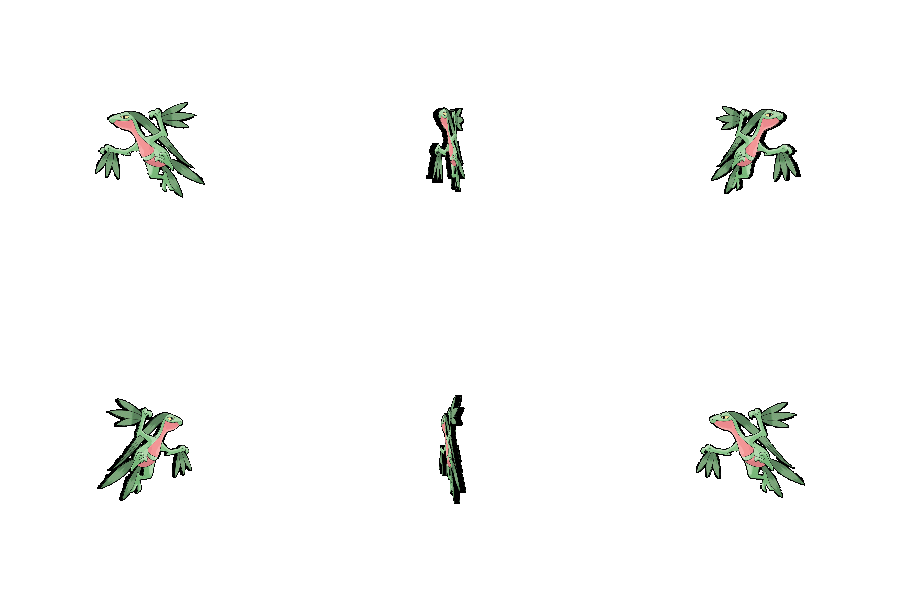
.gif 0 grovyle Emoji
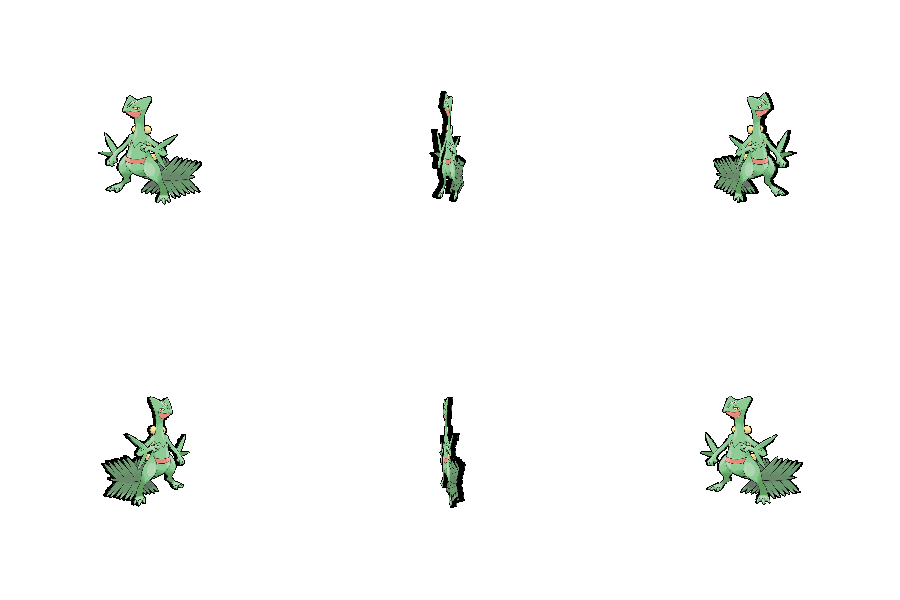
.gif 14 sceptile Emoji
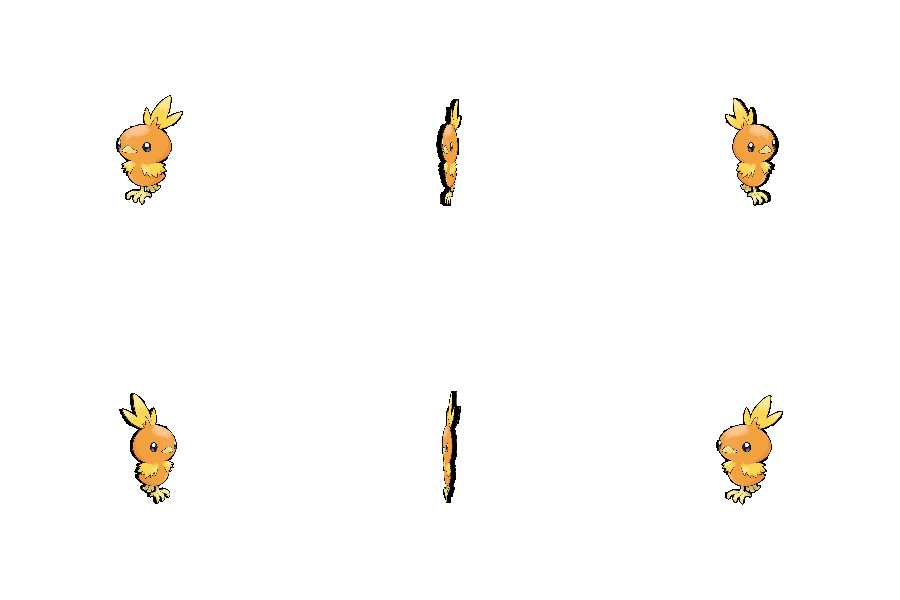
.gif 36 torchic Emoji
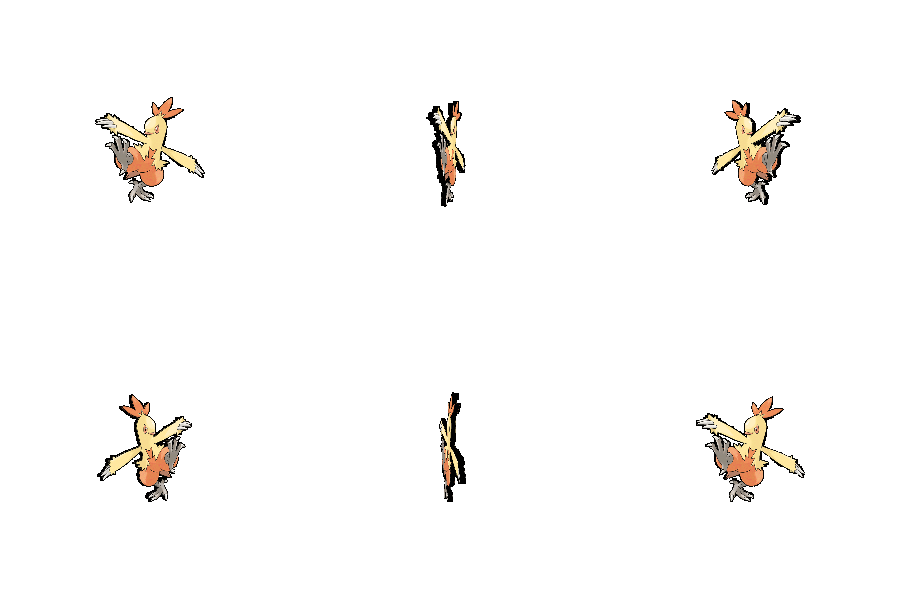
.gif 22 combusken Emoji
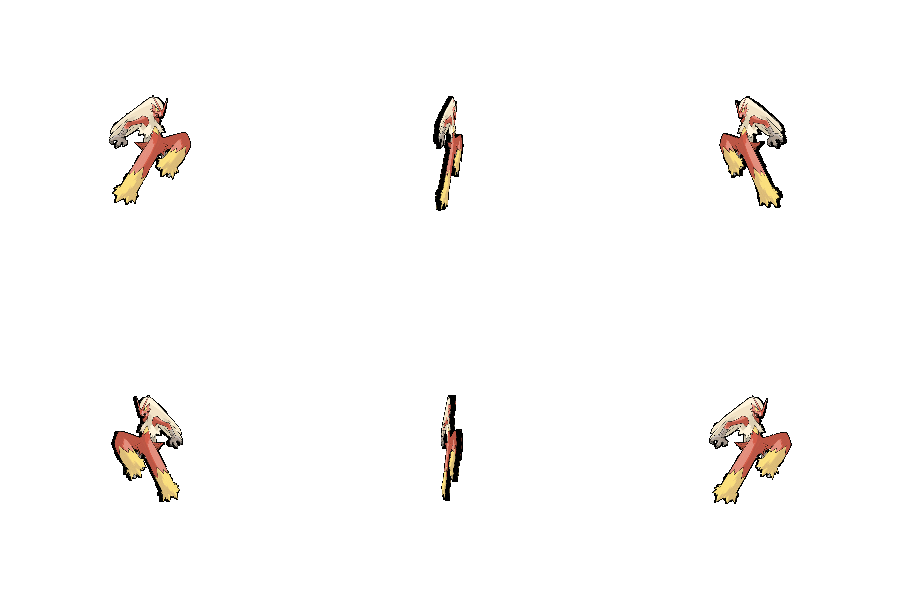
.gif 36 blaziken Emoji
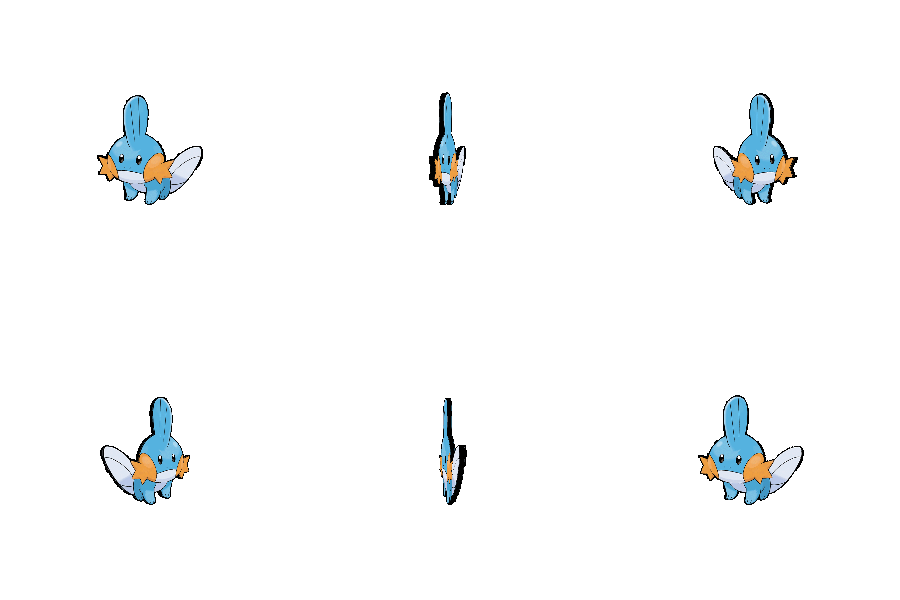
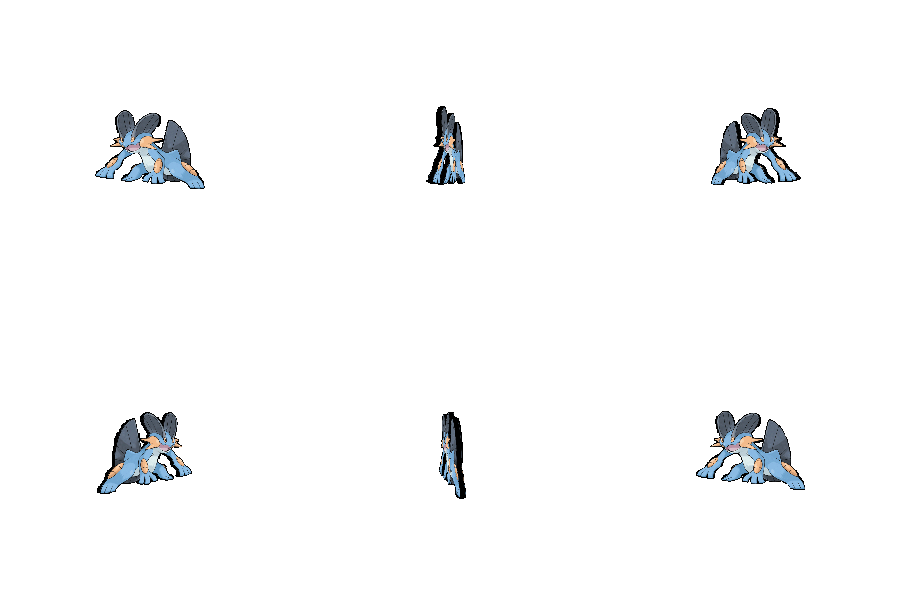
.gif 34 mudkip Emoji
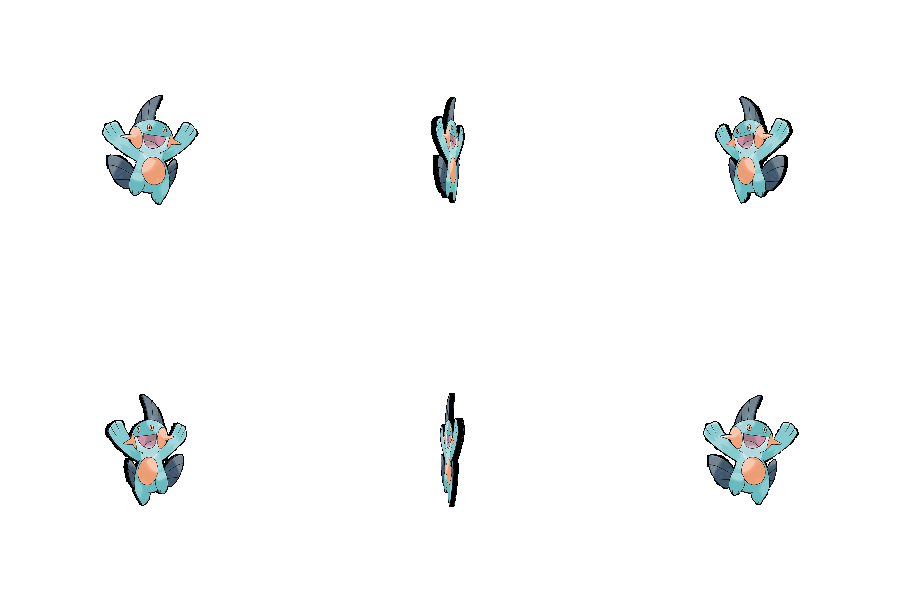
.gif 8 marshtomp Emoji
.gif 0 swampert Emoji
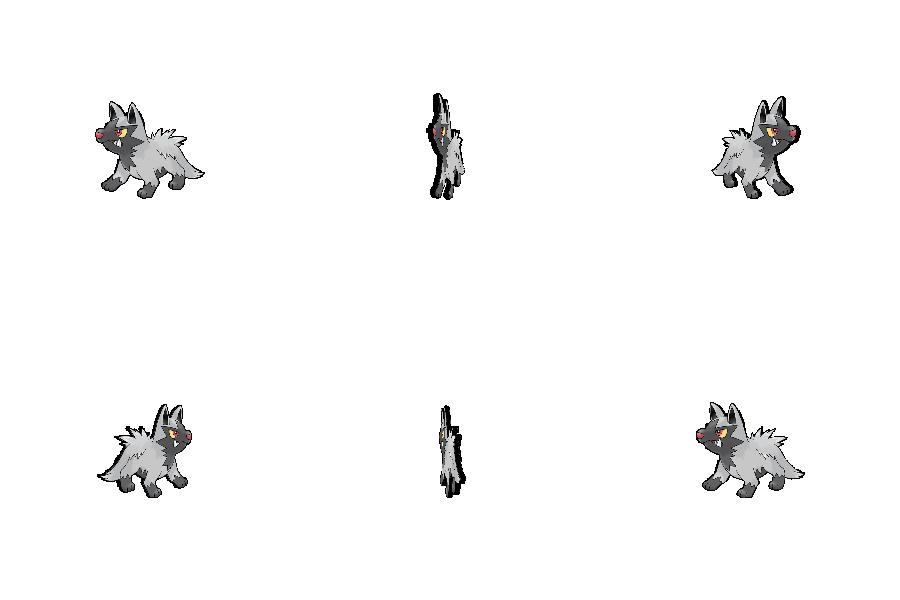
.gif 10 poochyena Emoji
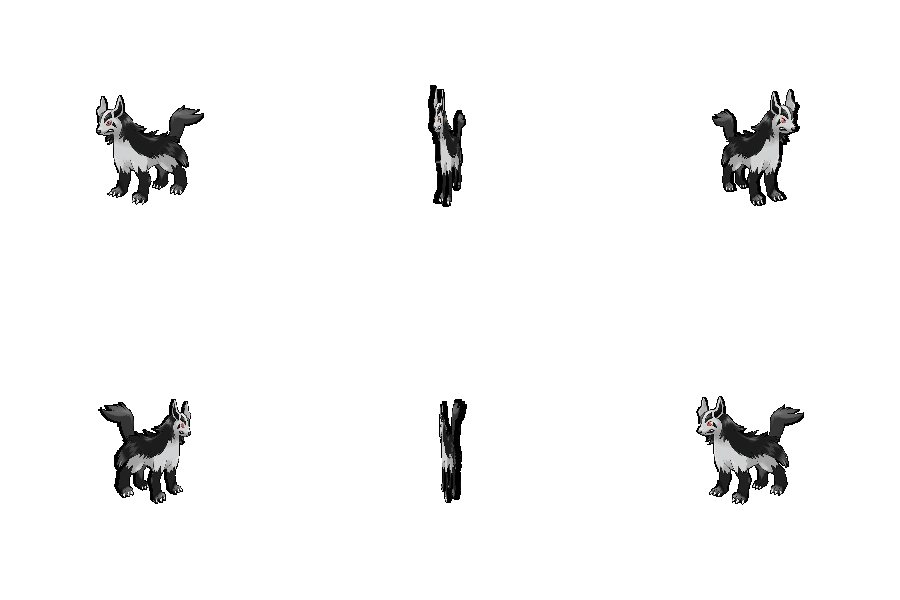
.gif 41 mightyena Emoji
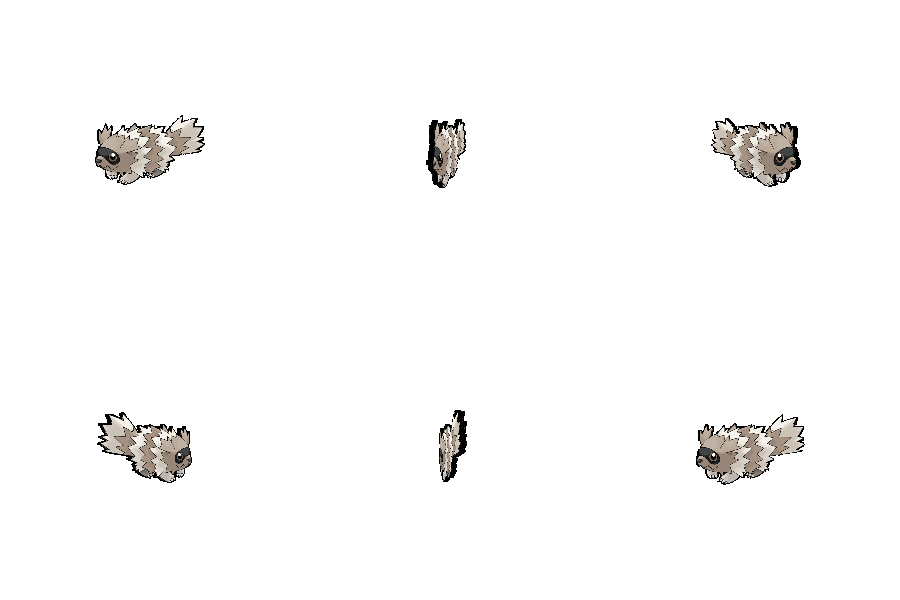
.gif 0 zigzagoon Emoji

Do Discord emojis

Browse Do emojis shared by the emoji.gg community. Open a favourite to preview it, check its details and download the image.

Building a set for your server? Save your favourites to a collection as you browse so you can find them again.

Explore Do stickers

Add emojis to your Discord server

  1. Choose your favourites. Open a emoji and download its image.
  2. Open Server Settings. In Discord, select your server and go to the Emoji section.
  3. Upload and name it. Select the downloaded image, give it a name and save it for your community to use.

Get the Android app

Emoji.gg is better on the app. Download it from the Google Play store.

Get Emoji.gg on Google Play