Your Collection
Your collection items will appear here.

Con Artist Emojis

Find Con Artist custom emojis to use
on Discord, Twitch & Slack

.png 180.3K frog_hug Emoji
.png 45.5K 1000_Yard_Stare Emoji
.png 26.8K MonikaGuns Emoji
.png 26.5K cheems_artist Emoji
.png 24.3K Kirby_Love Emoji
.png 22.1K PeachLurk Emoji
.gif 21.9K PeachBleh Emoji
.gif 21.3K Sisyphus_Gangnam_Style Emoji
.gif 19.4K PeachFrustrated Emoji
.png 19.2K catbox Emoji
.gif 19.1K PeachTired Emoji
.png 18.2K Blender Emoji
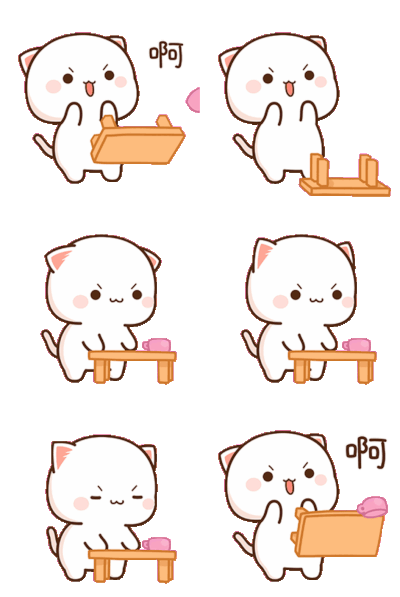
.gif 18.2K PeachTableFlip Emoji
.gif 17.9K PeachMischievous Emoji
.png 16.3K lollipop_pixels Emoji
.gif 16.2K PeachBlush Emoji
.png 15.0K bear_artist Emoji
.png 14.2K HermoinePunch Emoji
.gif 13.9K PeachWitch Emoji
.gif 13.8K PeachLemmeAtEm Emoji
.gif 13.6K PeachLoveHeart Emoji
.gif 13.3K PeachPetals Emoji
.png 13.2K amogustired Emoji
.png 12.7K RowenaRavenclaw Emoji
.png 12.7K Artist Emoji

Con Artist Discord emojis

Browse Con Artist emojis shared by the emoji.gg community. Open a favourite to preview it, check its details and download the image.

Building a set for your server? Save your favourites to a collection as you browse so you can find them again.

Explore Con Artist stickers

Add emojis to your Discord server

  1. Choose your favourites. Open a emoji and download its image.
  2. Open Server Settings. In Discord, select your server and go to the Emoji section.
  3. Upload and name it. Select the downloaded image, give it a name and save it for your community to use.

Get the Android app

Emoji.gg is better on the app. Download it from the Google Play store.

Get Emoji.gg on Google Play