Your Collection
Your collection items will appear here.

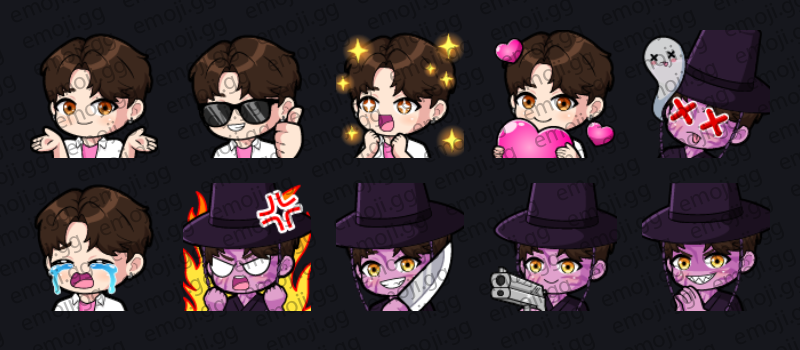
Bro Code Emojis

Find Bro Code custom emojis to use
on Discord, Twitch & Slack

.png 525 UnmellowYellow Emoji
.png 598 AtomicTangerine Emoji
.png 137 OrangeYellow Emoji
.png 429 Maize Emoji
.png 2.1K Yellow Emoji
.png 1.1K Sunglow Emoji
.png 184 DarkVenetianRed Emoji
.png 942 BananaMania Emoji
.png 252 VenetianRed Emoji
.png 190 MaximumYellowRed Emoji
.png 277 NeonCarrot Emoji
.png 318 MiddleRed Emoji
.png 149 VividTangerine Emoji
.png 11 LightVenetianRed Emoji
.png 1.2K Bittersweet Emoji
.png 373 codenames Emoji
.png 441 SunsetOrange Emoji
.png 1.4K RedOrange Emoji
.png 297 MangoTango Emoji
.png 98 Chestnut Emoji
.png 1.5K MaximumRed Emoji
.png 271 PermanentGeraniumLake Emoji
.png 9 MadderLake Emoji
.png 47 Mahogany Emoji
.png 45 OrangeRed Emoji

Bro Code Discord emojis

Browse Bro Code emojis shared by the emoji.gg community. Open a favourite to preview it, check its details and download the image.

Building a set for your server? Save your favourites to a collection as you browse so you can find them again.

Explore Bro Code stickers

Add emojis to your Discord server

  1. Choose your favourites. Open a emoji and download its image.
  2. Open Server Settings. In Discord, select your server and go to the Emoji section.
  3. Upload and name it. Select the downloaded image, give it a name and save it for your community to use.

Get the Android app

Emoji.gg is better on the app. Download it from the Google Play store.

Get Emoji.gg on Google Play