Your Collection
Your collection items will appear here.

Bro Code Emojis

Find Bro Code custom emojis to use
on Discord, Twitch & Slack
.gif 159 Broken2 Emoji
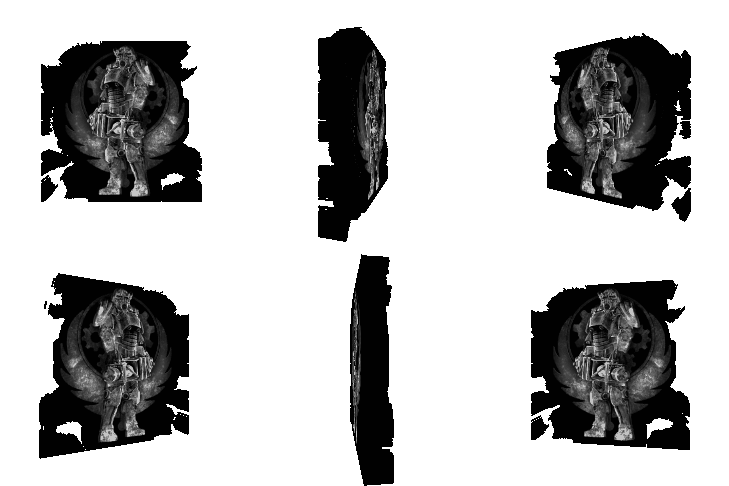
.gif 9 falloutbrotherhoodofsteel Emoji
.gif 0 falloutbrotherhooduserlogo Emoji
.gif 449 magicalgirlpinkhat Emoji
.gif 90 redwitchydivabroom Emoji
.gif 425 flyingbrownhearts Emoji
.gif 165 witchygirly Emoji
.gif 225 eyeballlooking Emoji
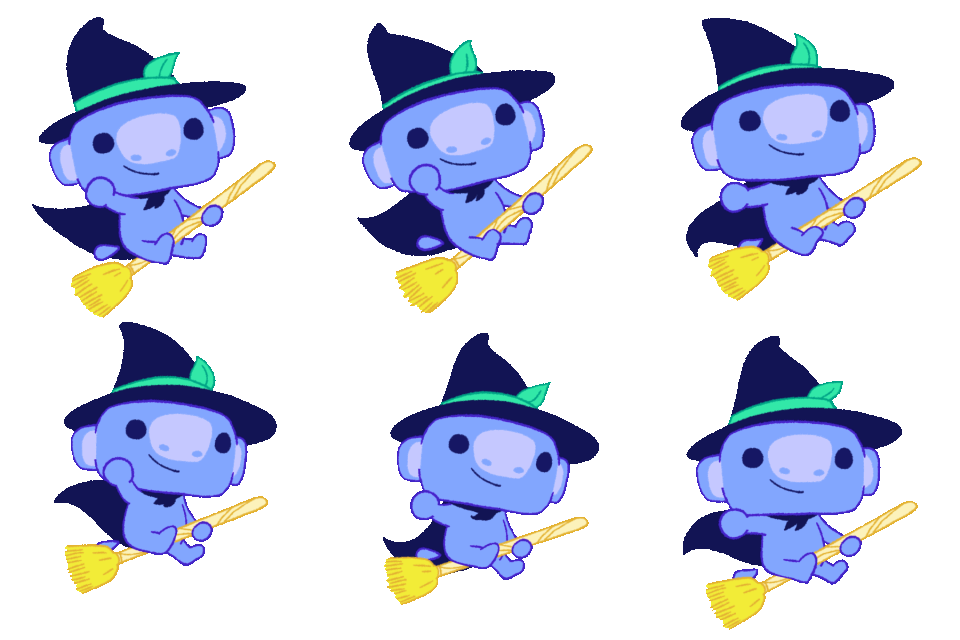
.gif 527 wumpusbroom Emoji
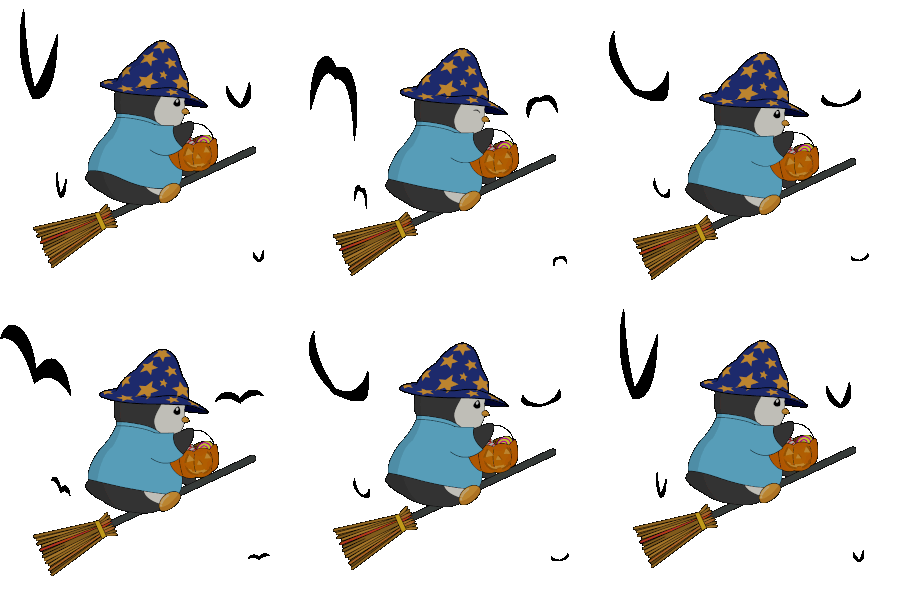
.gif 186 penguinwitch Emoji
.gif 252 pixelartwitchdiva Emoji
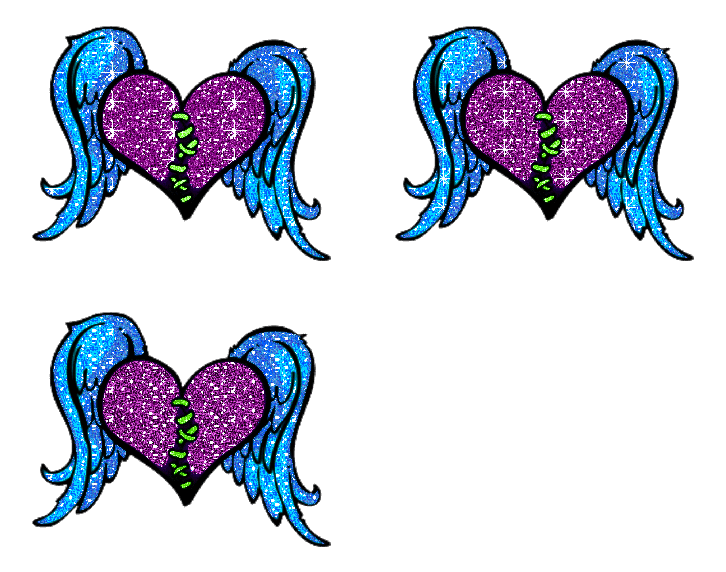
.gif 105 emosparklewingheart Emoji
.gif 16 pixelarthalloweenwitch Emoji
.gif 28 glitterpinkwitchicon Emoji
.gif 46 purplemagicwitch Emoji
.gif 498 enokimushrooms Emoji
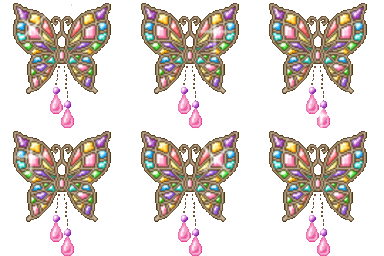
.gif 147 stainedglassbutterflybrooch Emoji
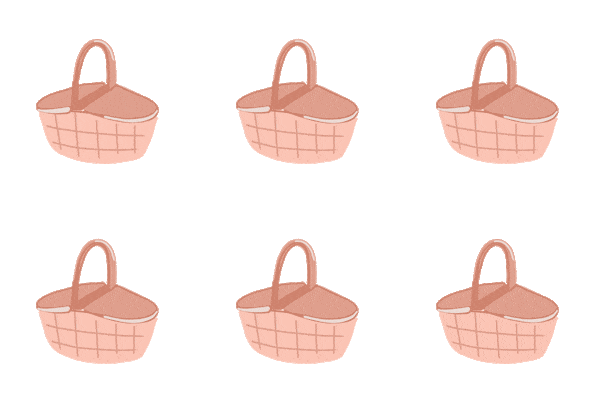
.gif 173 picnicbasket Emoji
.gif 5.8K brownPup_TailWag Emoji
.gif 3.4K brownheartgif Emoji
.gif 1.7K BrownHeart Emoji
.gif 393 ilyBrown Emoji
.gif 2.0K BrownHeart Emoji

Bro Code Discord emojis

Browse Bro Code emojis shared by the emoji.gg community. Open a favourite to preview it, check its details and download the image.

Building a set for your server? Save your favourites to a collection as you browse so you can find them again.

Explore Bro Code stickers

Add emojis to your Discord server

  1. Choose your favourites. Open a emoji and download its image.
  2. Open Server Settings. In Discord, select your server and go to the Emoji section.
  3. Upload and name it. Select the downloaded image, give it a name and save it for your community to use.

Get the Android app

Emoji.gg is better on the app. Download it from the Google Play store.

Get Emoji.gg on Google Play