Your Collection
Your collection items will appear here.

Blue Whale Emojis

Find Blue Whale custom emojis to use
on Discord, Twitch & Slack

.png 0 MessedUp Emoji
.png 10 hate2 Emoji
.png 0 Hate4 Emoji
.png 0 Overthinking Emoji
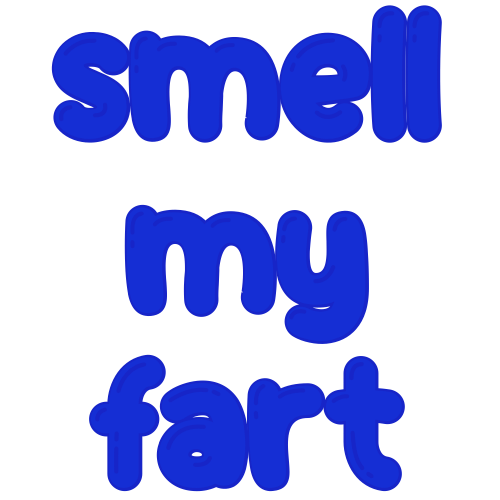
.png 41 Smell Emoji
.png 32 Star6 Emoji
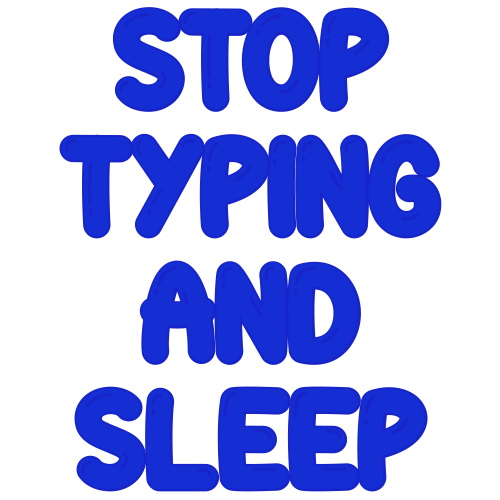
.png 80 Stop4 Emoji
.png 9 MessedUp Emoji
.png 0 Annoying Emoji
.gif 22 blueflipflopshoes Emoji
.gif 346 darkbluebutterfly Emoji
.gif 97 lightbluebutterfly Emoji
.png 58 BlueDye Emoji
.png 75 LightBlueDye Emoji
.png 57 BlueCandle Emoji
.png 197 BlueGeodeCrystal Emoji
.png 41 LightBlueCandle Emoji
.png 188 BlueOrchid Emoji
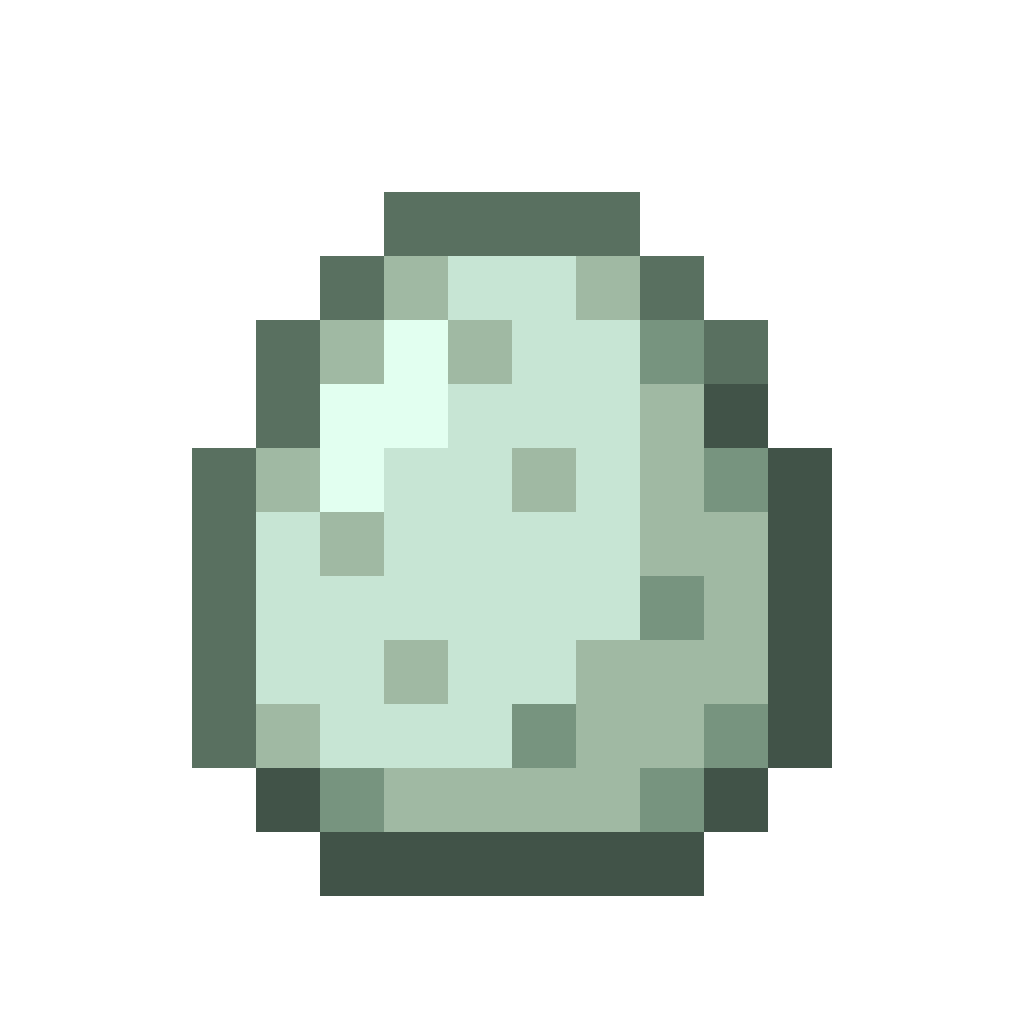
.png 0 BlueEgg Emoji
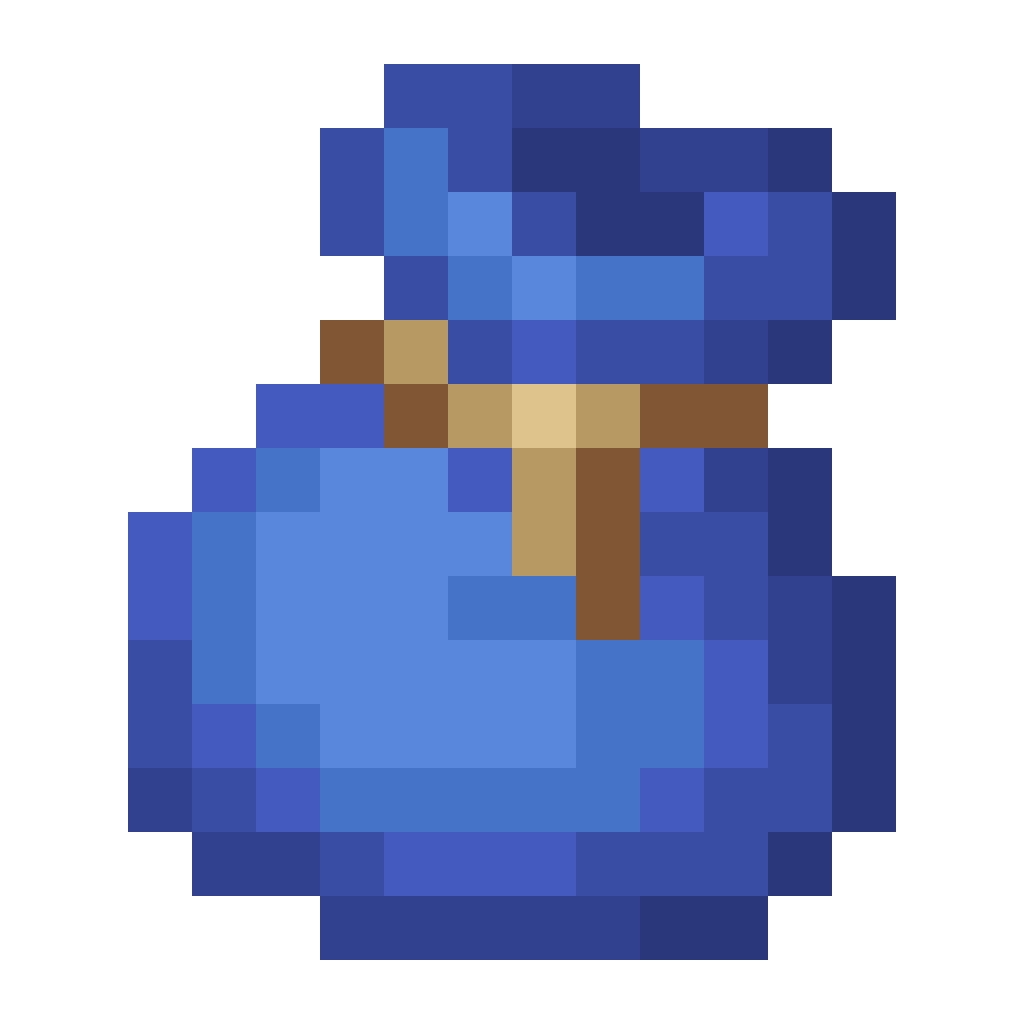
.png 22 BlueBundle Emoji
.png 0 BlueBundleOpenBack Emoji
.png 0 BlueBundleOpenFront Emoji
.png 27 LightBlueBundle Emoji
.png 0 LightBlueBundleOpenBack Emoji

Blue Whale Discord emojis

Browse Blue Whale emojis shared by the emoji.gg community. Open a favourite to preview it, check its details and download the image.

Building a set for your server? Save your favourites to a collection as you browse so you can find them again.

Explore Blue Whale stickers

Add emojis to your Discord server

  1. Choose your favourites. Open a emoji and download its image.
  2. Open Server Settings. In Discord, select your server and go to the Emoji section.
  3. Upload and name it. Select the downloaded image, give it a name and save it for your community to use.

Get the Android app

Emoji.gg is better on the app. Download it from the Google Play store.

Get Emoji.gg on Google Play