Your Collection
Your collection items will appear here.

Bitmap Emojis

Find Bitmap custom emojis to use
on Discord, Twitch & Slack

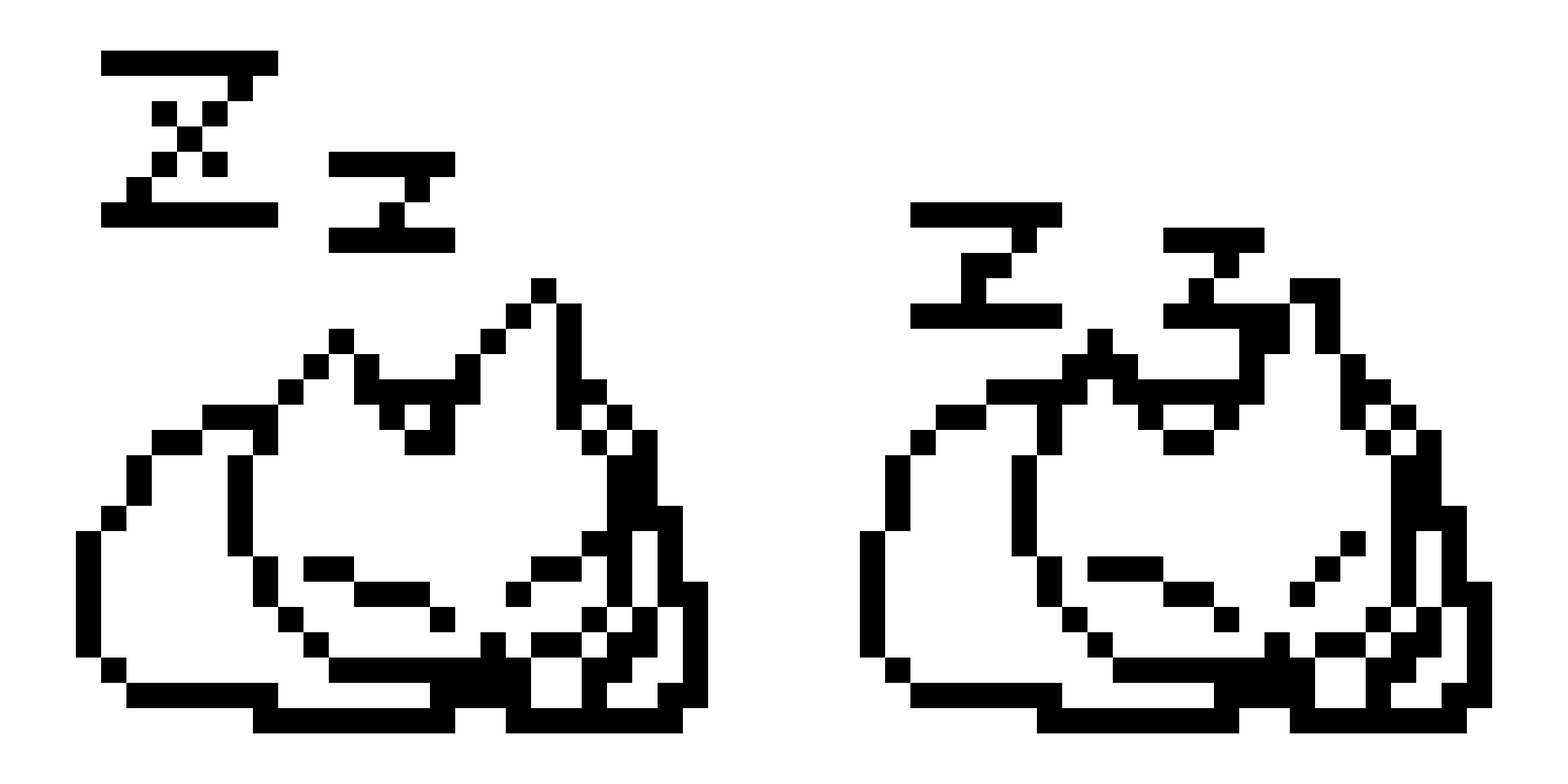
.gif 170 OnekoSleep Emoji
.gif 110 CatJump Emoji
.gif 92 bluebunnyballoon Emoji
.gif 123 beltaccessory Emoji
.gif 86 plaingloomybear Emoji
.gif 54 poodleheartblink Emoji
.gif 191 crescentmoon Emoji
.gif 249 happykittytail Emoji
.gif 284 kittytiredyawn Emoji
.gif 15 colorfulsandals Emoji
.gif 102 greenheartbow Emoji
.gif 100 pinkbowteddybear Emoji
.gif 100 colorstarrystar Emoji
.gif 328 colorfulheartflash Emoji
.gif 133 royalteddybear Emoji
.gif 12 colorfulkittycatblink Emoji
.gif 126 spongebobsquarepantssneeze Emoji
.gif 211 swanprincessfloat Emoji
.gif 57 upsidedownteddy Emoji
.gif 195 hamsternoshake Emoji
.gif 84 kittypixelscooter Emoji
.gif 218 siamesekittywave Emoji
.gif 27 swimholebreak Emoji
.gif 132 soraanimations Emoji
.gif 49 gloomybearbox Emoji

Bitmap Discord emojis

Browse Bitmap emojis shared by the emoji.gg community. Open a favourite to preview it, check its details and download the image.

Building a set for your server? Save your favourites to a collection as you browse so you can find them again.

Explore Bitmap stickers

Add emojis to your Discord server

  1. Choose your favourites. Open a emoji and download its image.
  2. Open Server Settings. In Discord, select your server and go to the Emoji section.
  3. Upload and name it. Select the downloaded image, give it a name and save it for your community to use.

Get the Android app

Emoji.gg is better on the app. Download it from the Google Play store.

Get Emoji.gg on Google Play