Your Collection
Your collection items will appear here.

Be Emojis

Find Be custom emojis to use
on Discord, Twitch & Slack

.png 28 moonberryphone1 Emoji
.gif 174 beltaccessory Emoji
.gif 103 plaingloomybear Emoji
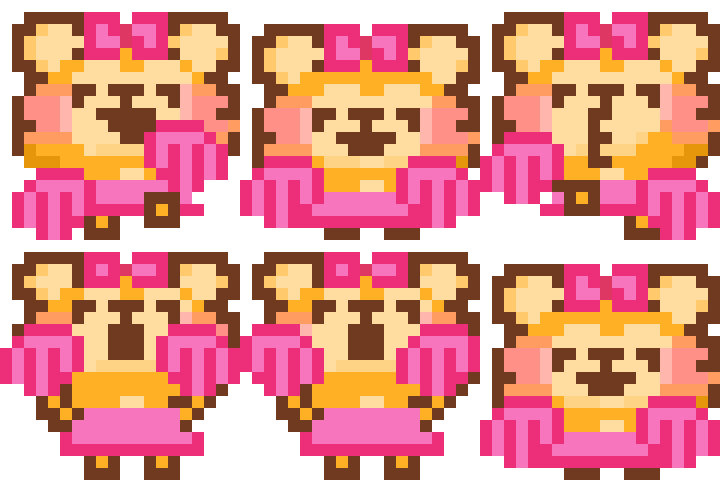
.gif 161 pinkbowteddybear Emoji
.gif 179 royalteddybear Emoji
.gif 88 upsidedownteddy Emoji
.gif 54 gloomybearbox Emoji
.gif 498 pinkheartbeat Emoji
.gif 31 ffxivtonberryjump Emoji
.gif 170 CheerBear Emoji
.png 26 EmberDragonEast Emoji
.png 12 EmberDragonWest Emoji
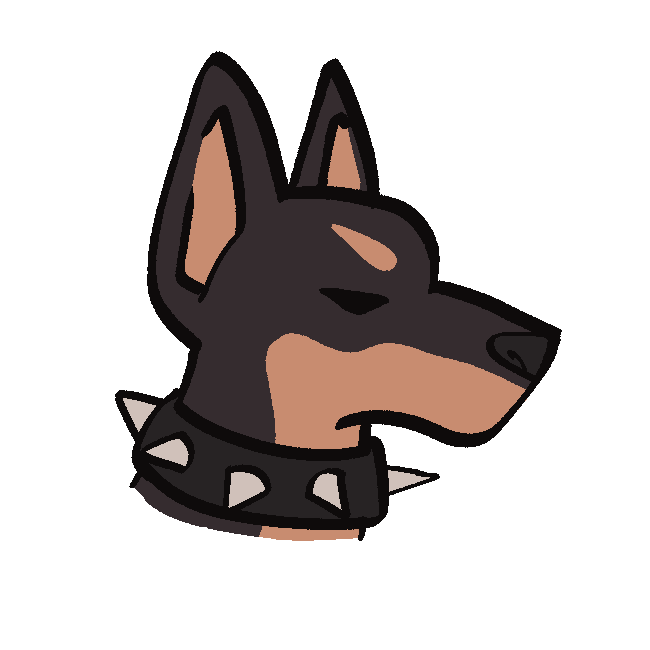
.gif 52 Dober Emoji
.png 65 Coins Emoji
.png 99 Money Emoji
.png 34 bell Emoji
.png 14 bell Emoji
.png 36 christmascalendar Emoji
.png 69 snowglobe Emoji
.png 111 bear Emoji
.png 121 bell Emoji
.png 61 christmas Emoji
.png 82 snowglobe Emoji
.png 51 snowglobe Emoji
.png 56 tag Emoji

Be Discord emojis

Browse Be emojis shared by the emoji.gg community. Open a favourite to preview it, check its details and download the image.

Building a set for your server? Save your favourites to a collection as you browse so you can find them again.

Explore Be stickers

Add emojis to your Discord server

  1. Choose your favourites. Open a emoji and download its image.
  2. Open Server Settings. In Discord, select your server and go to the Emoji section.
  3. Upload and name it. Select the downloaded image, give it a name and save it for your community to use.

Get the Android app

Emoji.gg is better on the app. Download it from the Google Play store.

Get Emoji.gg on Google Play