Your Collection
Your collection items will appear here.

Be Emojis

Find Be custom emojis to use
on Discord, Twitch & Slack

.gif 70 blueberries Emoji
.gif 15 beans Emoji
.gif 0 beveragebox Emoji
.gif 17 hotbeverage Emoji
.gif 75 bearface Emoji
.gif 70 beatingheart Emoji
.gif 19 microbe Emoji
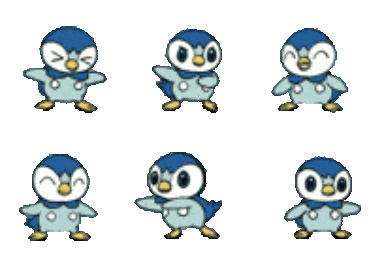
.gif 537 PiplupStepDance Emoji
.gif 297 pinkwineglass Emoji
.gif 54 poohbearjumpscare Emoji
.gif 170 pinkstrawberrycake Emoji
.gif 76 beeteacup Emoji
.gif 456 pinkstrawberrybunny Emoji
.gif 97 rabbitsandberry Emoji
.gif 268 pinkdoodleheartbeat Emoji
.gif 433 charlotte_cute Emoji
.gif 13 beamrifle Emoji
.gif 23 beautifly Emoji
.gif 0 volbeat Emoji
.gif 0 beldum Emoji
.gif 32 falloutvaultbear Emoji
.gif 0 beedrill Emoji
.gif 0 weepinbell Emoji
.gif 14 victreebel Emoji
.gif 0 bellsprout Emoji

Be Discord emojis

Browse Be emojis shared by the emoji.gg community. Open a favourite to preview it, check its details and download the image.

Building a set for your server? Save your favourites to a collection as you browse so you can find them again.

Explore Be stickers

Add emojis to your Discord server

  1. Choose your favourites. Open a emoji and download its image.
  2. Open Server Settings. In Discord, select your server and go to the Emoji section.
  3. Upload and name it. Select the downloaded image, give it a name and save it for your community to use.

Get the Android app

Emoji.gg is better on the app. Download it from the Google Play store.

Get Emoji.gg on Google Play