Your Collection
Your collection items will appear here.

0 Emojis

Find 0 custom emojis to use
on Discord, Twitch & Slack

.gif 75 marvelavengers2018logo Emoji
.gif 19 marvelultimatecomicsavengerslogo Emoji
.gif 0 marvelavengerstechonavengers2021 Emoji
.gif 28 marvelspiderman2002filmlogo004 Emoji
.gif 11 marvelultimatethorlogo0001 Emoji
.gif 0 marvelwebofspiderman2021logo Emoji
.gif 16 marvelxmen2013logo Emoji
.gif 41 marvelxmenfilmlogo004 Emoji
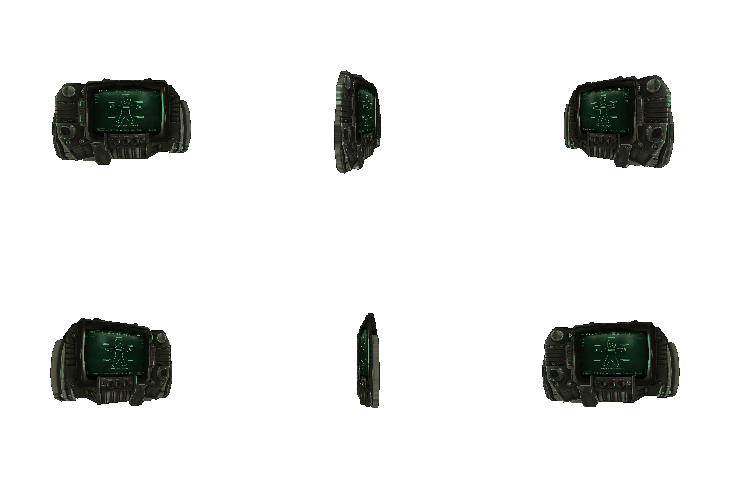
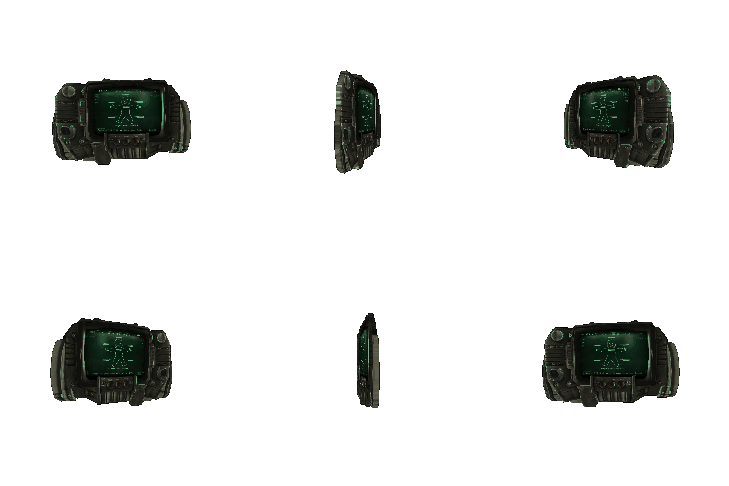
.gif 0 pipboy3000 Emoji
.gif 0 portalaperture1940badge Emoji
.gif 17 dcflashlogo01 Emoji
.gif 8 marvelavengerstechonavengers2021 Emoji
.gif 14 marvelultimatecomicsavengerslogo Emoji
.gif 0 marvelultimatethorlogo0001 Emoji
.gif 0 marvelxmen2013logo Emoji
.gif 18 marvelxmenfilmlogo004 Emoji
.gif 11 pipboy3000 Emoji
.gif 0 portalaperture1940badge Emoji
.gif 0 chars1000mariowiki063abraspirit Emoji
.gif 0 chars1000mariowiki111edo2 Emoji
.gif 0 chars1000mariowiki100ccmkwrld Emoji
.gif 0 chars1000mariowiki10thammer Emoji
.gif 0 chars1000mariowiki138bluefalcon Emoji
.gif 0 chars1000mariowiki123anton2 Emoji
.gif 0 chars1000mariowiki024arbokspirit Emoji

0 Discord emojis

Browse 0 emojis shared by the emoji.gg community. Open a favourite to preview it, check its details and download the image.

Building a set for your server? Save your favourites to a collection as you browse so you can find them again.

Add emojis to your Discord server

  1. Choose your favourites. Open a emoji and download its image.
  2. Open Server Settings. In Discord, select your server and go to the Emoji section.
  3. Upload and name it. Select the downloaded image, give it a name and save it for your community to use.

Get the Android app

Emoji.gg is better on the app. Download it from the Google Play store.

Get Emoji.gg on Google Play