Your Collection
Your collection items will appear here.

6 Stickers

Find 6 custom stickers to use
on Discord, Telegram & Whatsapp

.png 270 6 Sticker
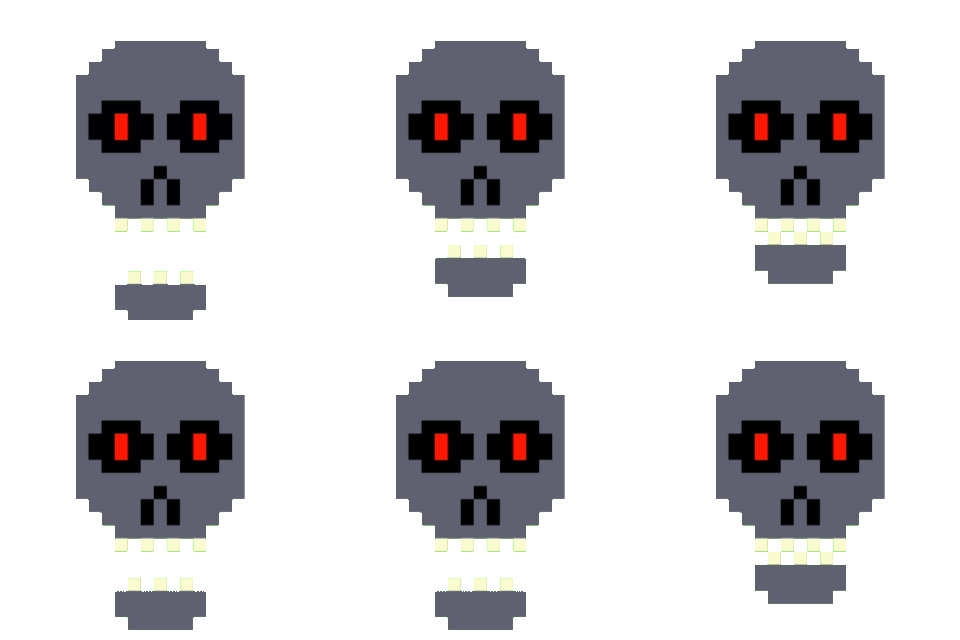
.gif 15 sanit6yskull Sticker
.png 10 Rainbow Sticker
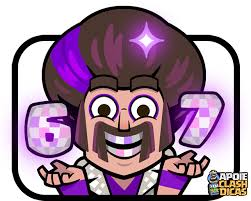
.png 39 67 Sticker
.png 12 Koda6767 Sticker
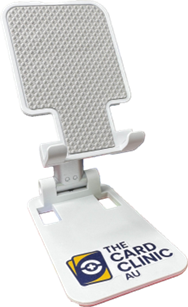
.png 4 ClinicStand67 Sticker
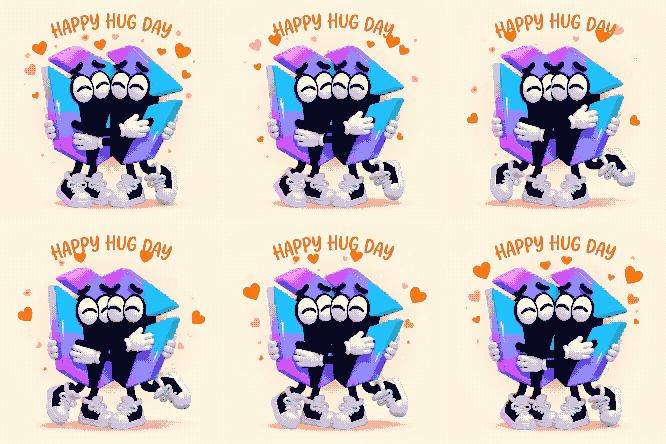
.gif 13 IDX_hug_day_3006 Sticker
.gif 1 IDX_propose_day_3006 Sticker
.gif 1 Wakanda_Forever_67 Sticker
.png 15 Sunshine_T_Pose_67_Card_Clinic Sticker
.gif 9 Wakanda_Forever_67 Sticker
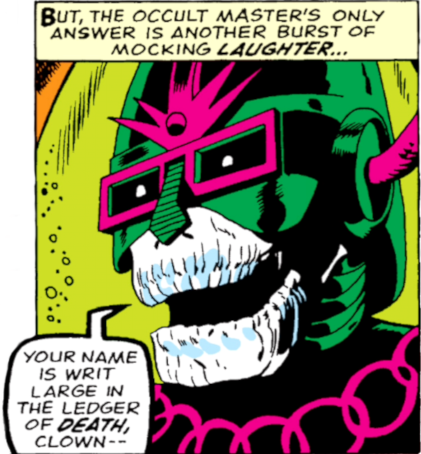
.png 47 StrangeClown Sticker
.png 117 Proton_Services Sticker
.png 197 micah_bell_viado Sticker
.png 1.6K DogDetective248 Sticker
.png 362 Tung565 Sticker
.png 49 Lydia Sticker
.png 504 neymar Sticker
.png 16 6 Sticker
.png 4 456 Sticker
.png 115 161617 Sticker
.png 123 bmw Sticker
.png 3.3K 16 Sticker
.png 439 6 Sticker
.png 5 Rock26 Sticker

6 Discord stickers

Browse 6 stickers shared by the emoji.gg community. Open a favourite to preview it, check its details and download the image.

Building a set for your server? Save your favourites to a collection as you browse so you can find them again.

Add stickers to your Discord server

  1. Choose your favourites. Open a sticker and download its image.
  2. Open Server Settings. In Discord, select your server and go to the Stickers section.
  3. Upload and name it. Select the downloaded image, give it a name and save it for your community to use.

Get the Android app

Emoji.gg is better on the app. Download it from the Google Play store.

Get Emoji.gg on Google Play