














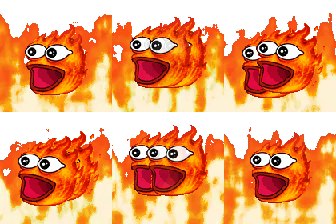






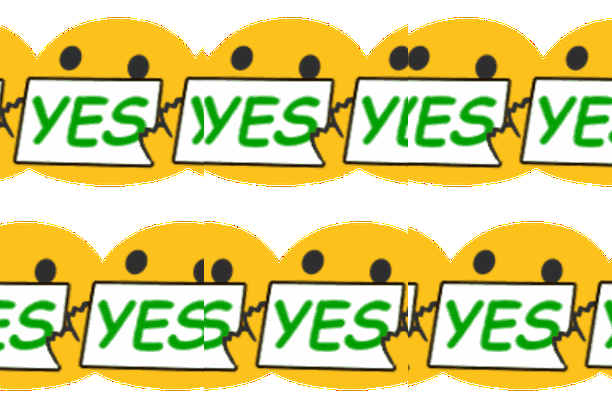



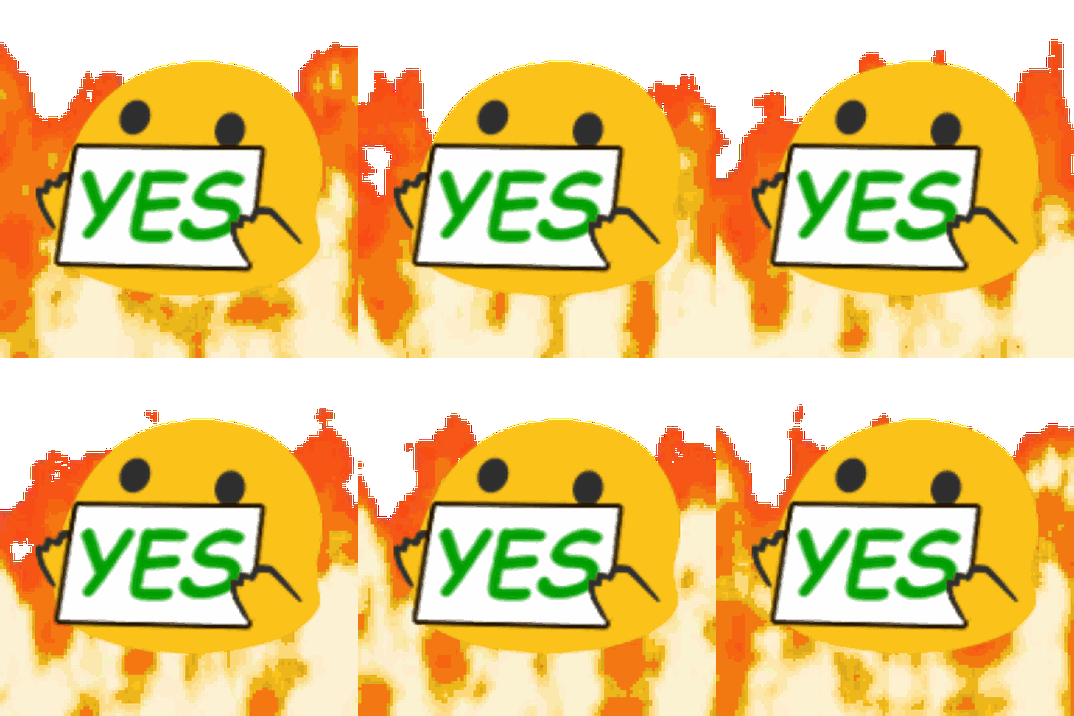
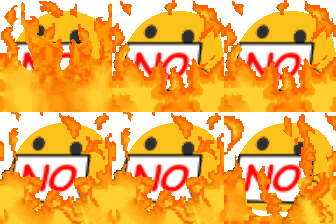
Meme Reactions and Chat Chaos Emoji Pack
A chaotic collection of meme reaction emojis featuring Pepe, Doge, Poggers, KEKW, crying cats, Patrick side-eye, Picard tears, and exaggerated yes and no responses. From laughter, clapping, hype, and celebrations to sadness, disbelief, thinking, mind-blown reactions, fiery effects, and warped expressions, this pack brings internet humor to Discord servers, gaming communities, streamer chats, playful debates, and everyday conversations.
Meme Reactions Poggers Kekw Funny Gaming Laugh Hype Chaotic Collection Reaction Emojis Featuring Crying Patrick Side Picard And Exaggerated Yes No Celebrations Mind Blown Fiery Warped This Pack Brings Internet Humor Discord Streamer Playful EverydayComments
To upload the Meme Reactions and Chat Chaos emoji to your Discord server follow these simple steps.Navigate to your server settings
and proceed to click the "emoji" tab, you will notice a blue button that says "upload emoji". Click this button and select the Meme Reactions and Chat Chaos emoji that you just
downloaded from this website. The Meme Reactions and Chat Chaos emoji should now be available for use in your server!
To upload the Meme Reactions and Chat Chaos emoji to your Slack workspace follow these simple steps.Click the arrow beside your workspace
name and select "customize slack". Click "add custom emoji" and select the Meme Reactions and Chat Chaos emoji that you just
downloaded from this website. Choose a name and click saveThe Meme Reactions and Chat Chaos emoji should now be available for use in your slack workspace!
To upload the Meme Reactions and Chat Chaos emoji to your Guilded server follow these simple steps.Navigate to your server settings and proceed to click the "emotes" tab, you will notice a yellow button that says
"upload emote". Click this button and select the Meme Reactions and Chat Chaos emoji that you just downloaded from this website. The Meme Reactions and Chat Chaos
emoji should now be available for use in your Guilded server!
To upload the Meme Reactions and Chat Chaos emote to your Twitch channel you need to be an affiliate or partner.Navigate to your creator dashboard and navigate to the settings menu in the left sidebar, click on "affiliate" or "partner" and scroll down to the emotes section. Click an empty emote slot and select the Meme Reactions and Chat Chaos emote that you just downloaded from this website. Fill in all of the require information such as emote name and click submit, then wait for Twitch to review your new emotes!

Joined May 2021
- Downloads: 0
- Filetype: file/zip
- Emojis: 32
- Added: November 2026
- Pack ID: 816601-meme-reactions-and-chat-chaos
All content is uploaded by users, if this breaks our TOS you can report it here
More Meme Emoji Packs
0




0
0




0
1.1K



17.3K