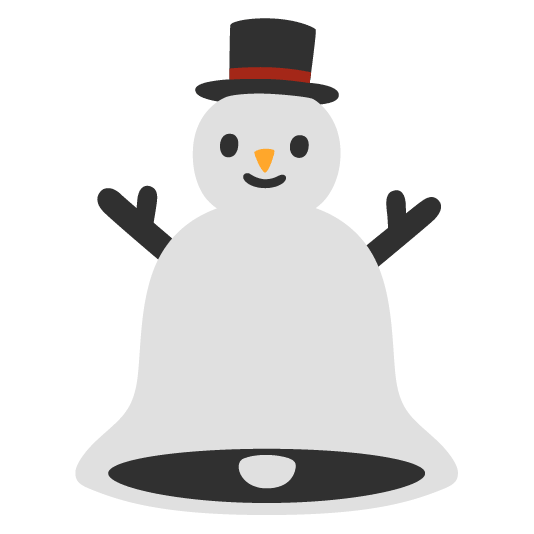
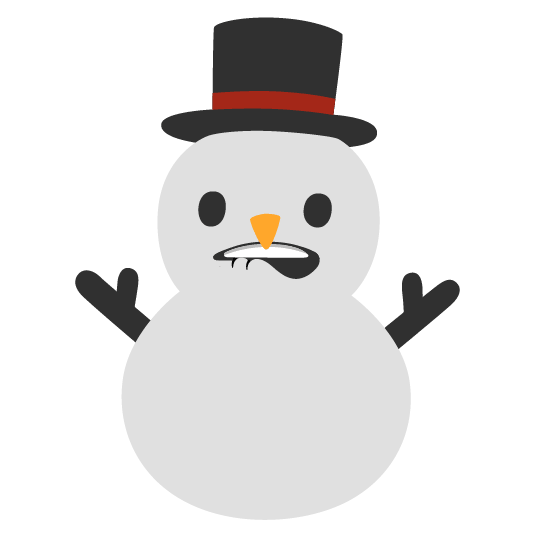

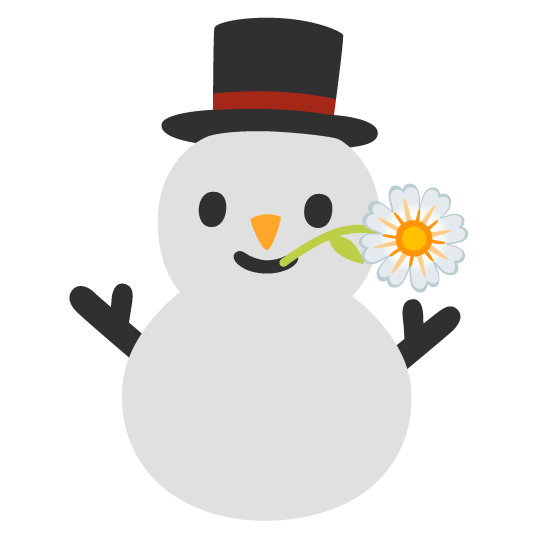


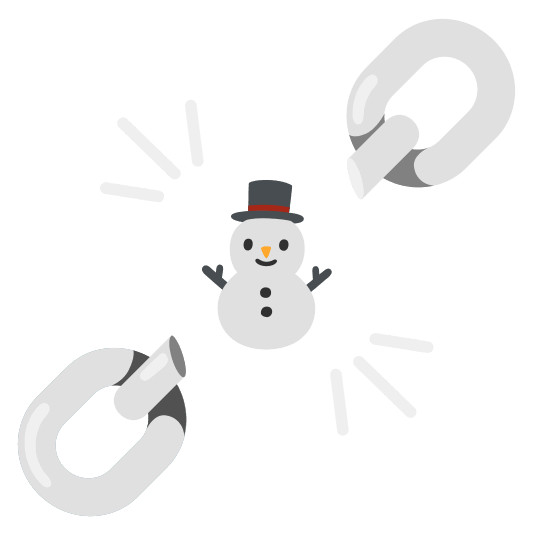
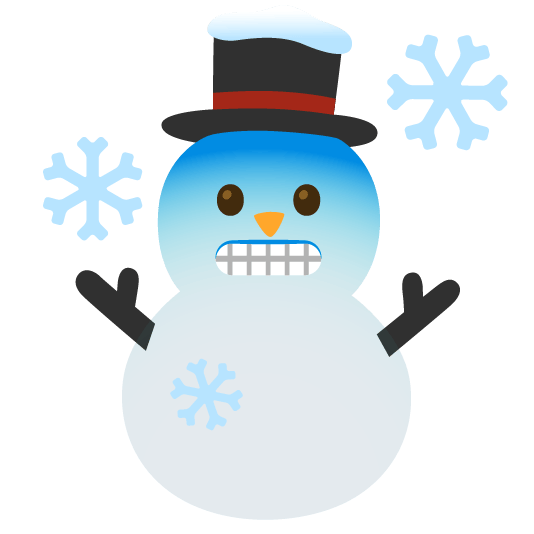
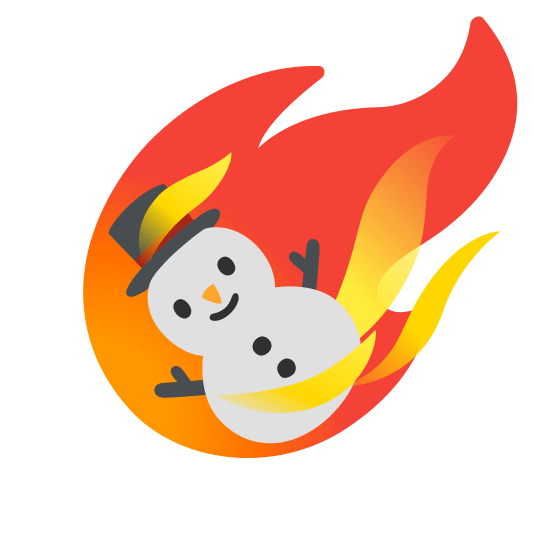
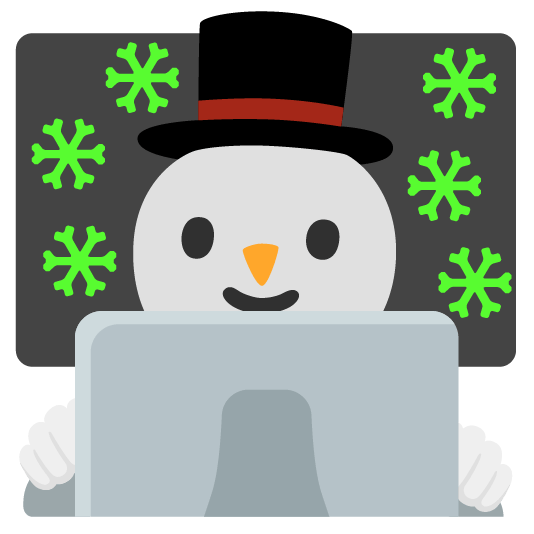

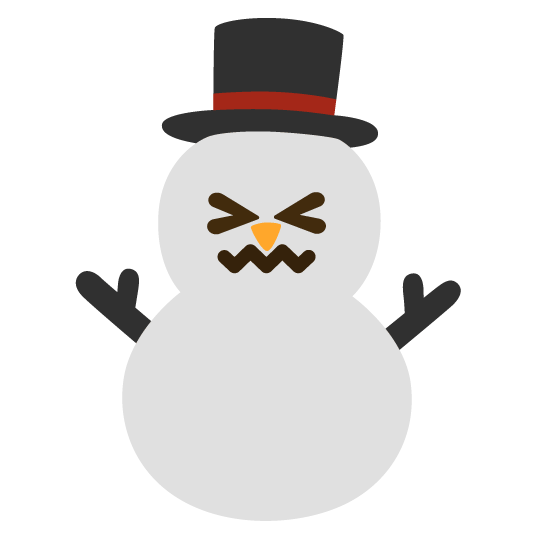

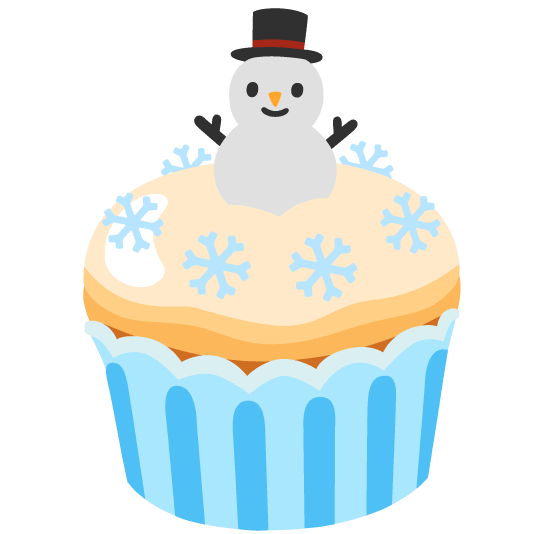
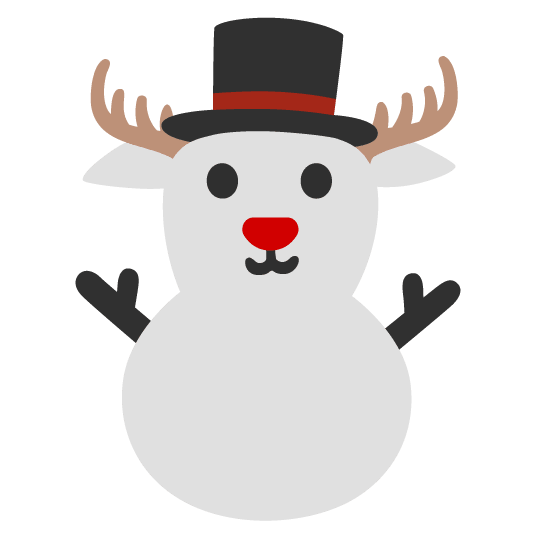
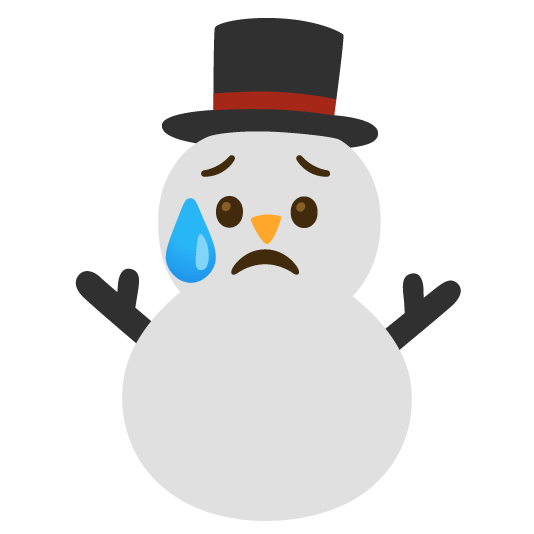
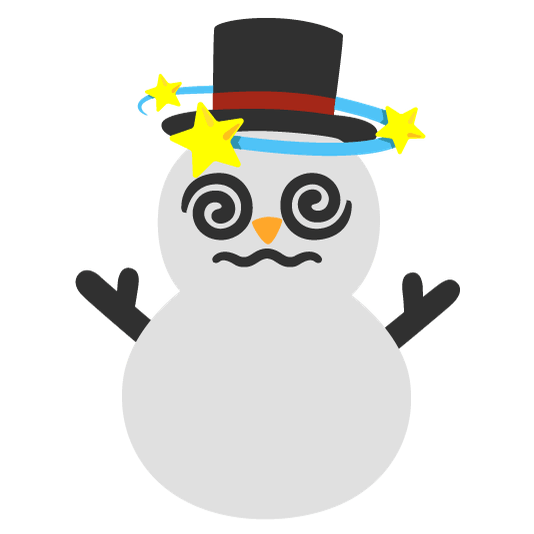




Snowman Moods and Mashups Emoji Pack
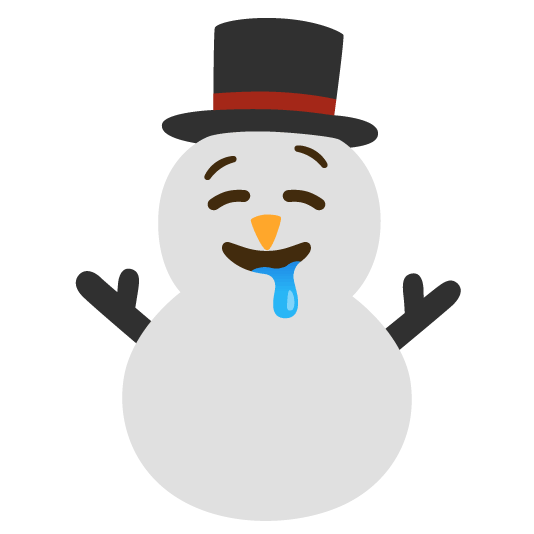
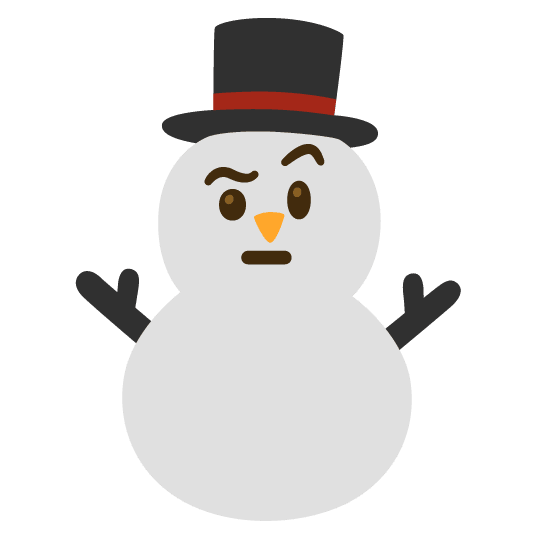
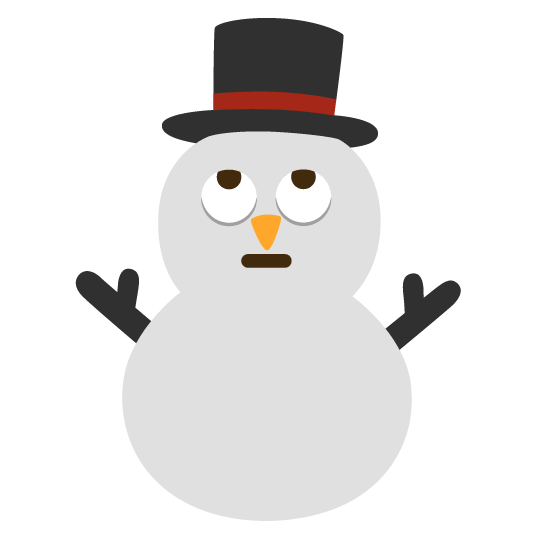
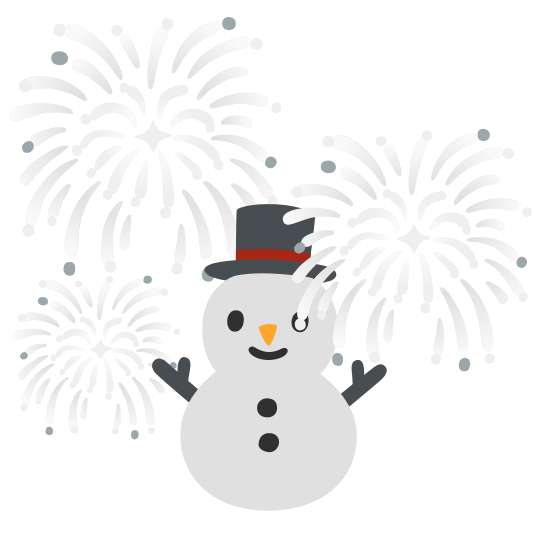
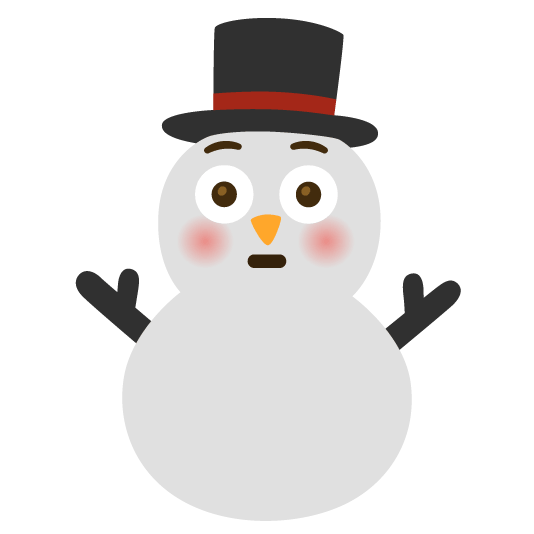
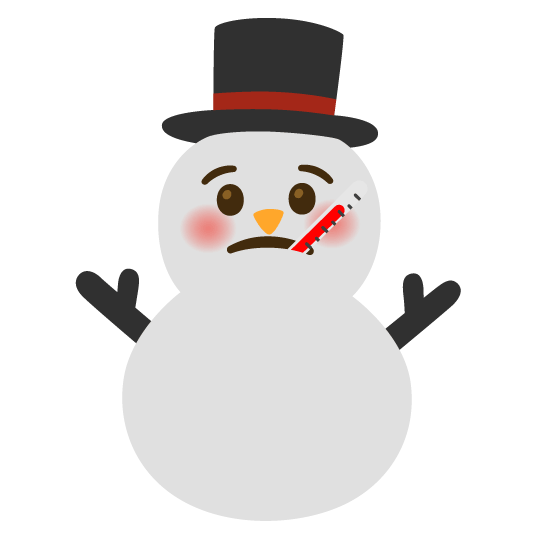
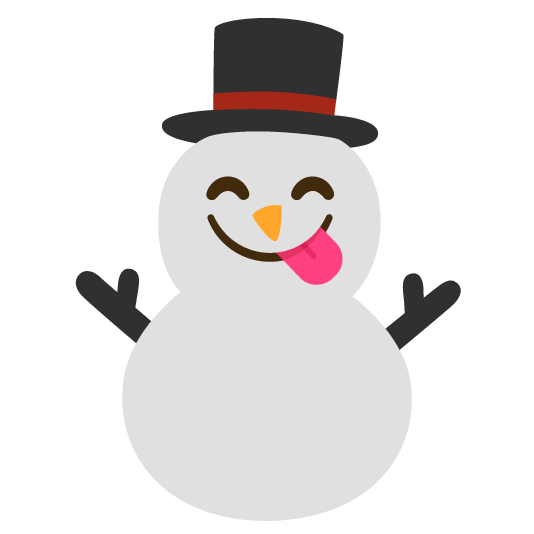
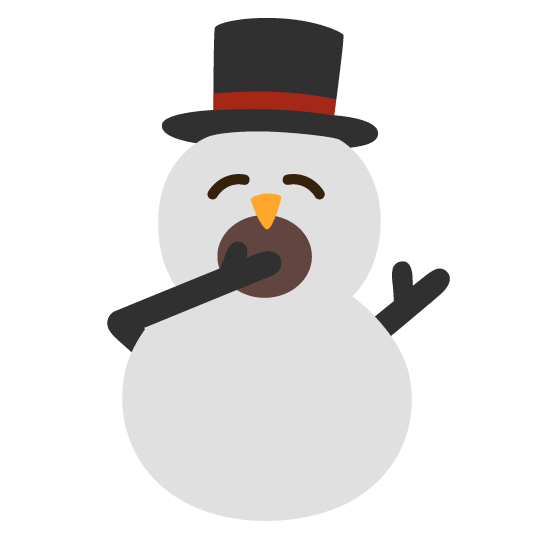
A playful collection of snowman emoji mashups featuring blushes, tears, eye rolls, raised eyebrows, cold faces, broken hearts, thumbs-up reactions, and imaginative combinations with bells, books, computers, cupcakes, deer, dragons, crystal balls, confetti, and fireworks. Perfect for winter chats, snowy weather, Christmas celebrations, holiday greetings, funny reactions, cozy Discord communities, and expressing everyday moods with frosty personality.
Snowman Winter Snow Christmas Reactions Cute Funny Holiday Emotions Playful Collection Emoji Featuring Eye Raised Cold Broken Thumbs Up And Imaginative Combinations With Crystal Perfect For Cozy Discord Expressing Everyday Moods FrostyComments
To upload the Snowman Moods and Mashups emoji to your Discord server follow these simple steps.Navigate to your server settings
and proceed to click the "emoji" tab, you will notice a blue button that says "upload emoji". Click this button and select the Snowman Moods and Mashups emoji that you just
downloaded from this website. The Snowman Moods and Mashups emoji should now be available for use in your server!
To upload the Snowman Moods and Mashups emoji to your Slack workspace follow these simple steps.Click the arrow beside your workspace
name and select "customize slack". Click "add custom emoji" and select the Snowman Moods and Mashups emoji that you just
downloaded from this website. Choose a name and click saveThe Snowman Moods and Mashups emoji should now be available for use in your slack workspace!
To upload the Snowman Moods and Mashups emoji to your Guilded server follow these simple steps.Navigate to your server settings and proceed to click the "emotes" tab, you will notice a yellow button that says
"upload emote". Click this button and select the Snowman Moods and Mashups emoji that you just downloaded from this website. The Snowman Moods and Mashups
emoji should now be available for use in your Guilded server!
To upload the Snowman Moods and Mashups emote to your Twitch channel you need to be an affiliate or partner.Navigate to your creator dashboard and navigate to the settings menu in the left sidebar, click on "affiliate" or "partner" and scroll down to the emotes section. Click an empty emote slot and select the Snowman Moods and Mashups emote that you just downloaded from this website. Fill in all of the require information such as emote name and click submit, then wait for Twitch to review your new emotes!

Joined May 2021
- Downloads: 0
- Filetype: file/zip
- Emojis: 32
- Added: November 2026
- Pack ID: 198512-snowman-moods-and-mashups
All content is uploaded by users, if this breaks our TOS you can report it here
More Snowman Emoji Packs
0
0


0


0


0



0